

2026.10.18
Haven: Self-Hosting Private Community Chat
Haven is an AGPL-3.0 self-hosted chat project with text, voice, screen sharing, bots, Discord import and bridging. Deployment requires planning for networking, backups, upgrades and operations.
Project overview
Haven is aimed at individuals, homelab owners, small communities and teams that want to operate their own chat infrastructure. The server runs on the operator’s machine, while people can connect through a browser, desktop clients and mobile clients. The trade-off is straightforward: messages, files and voice can remain under the operator’s control, but the operator also owns the infrastructure, networking, data retention and incident response responsibilities.
The repository is licensed under AGPL-3.0. If you modify the project and provide it as a network service, licensing obligations should be included in the release process. Specific compliance questions should be reviewed by someone familiar with open-source licensing.
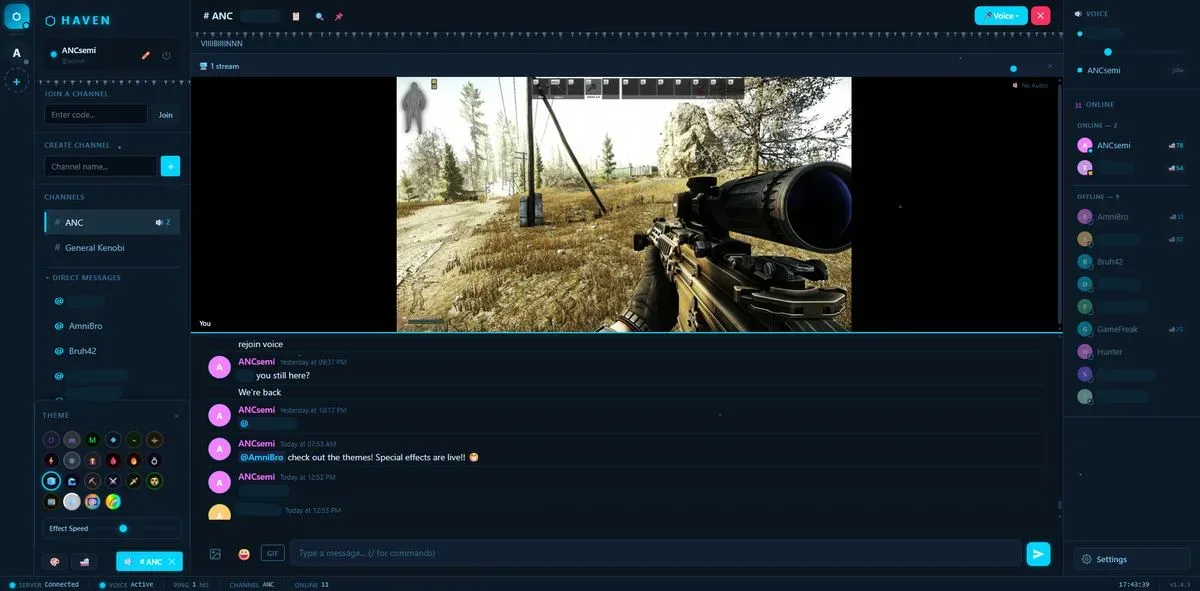
Image source: Haven. Published by the project; the interface may vary by version.
Known capabilities
Haven includes familiar community-chat features such as channels, threads, replies, reactions, pins, editing, mentions, polls, search, link previews, code blocks and spoilers. Its real-time features include voice chat, screen sharing, per-user volume, mute, noise suppression and speaking indicators. The README also lists synchronized playback, a soundboard and rich presence integrations.
Direct messages support end-to-end encryption, and the README says private keys do not leave the browser. That statement should not automatically be treated as a claim that every part of the system or every data path is end-to-end encrypted. Before adoption, read the project’s encryption documentation and assess clients, use cases and backup handling.
For migration, Haven lists Discord history import and Ferry, a two-way bridge between a Haven channel and a Discord channel. This may help communities transition gradually, but bridging introduces operational questions around identity mapping, permissions, synchronization, content handling and third-party platform policies.
Administrative features include roles and channel permissions, invite links, join codes, audit logs, bots, webhooks, a REST API, OpenID Connect single sign-on, and built-in backup and restore. The README also documents Cloudflare, LocalTunnel, reverse proxies, Tailscale and TURN. Which approach is appropriate depends on the actual network and access model.
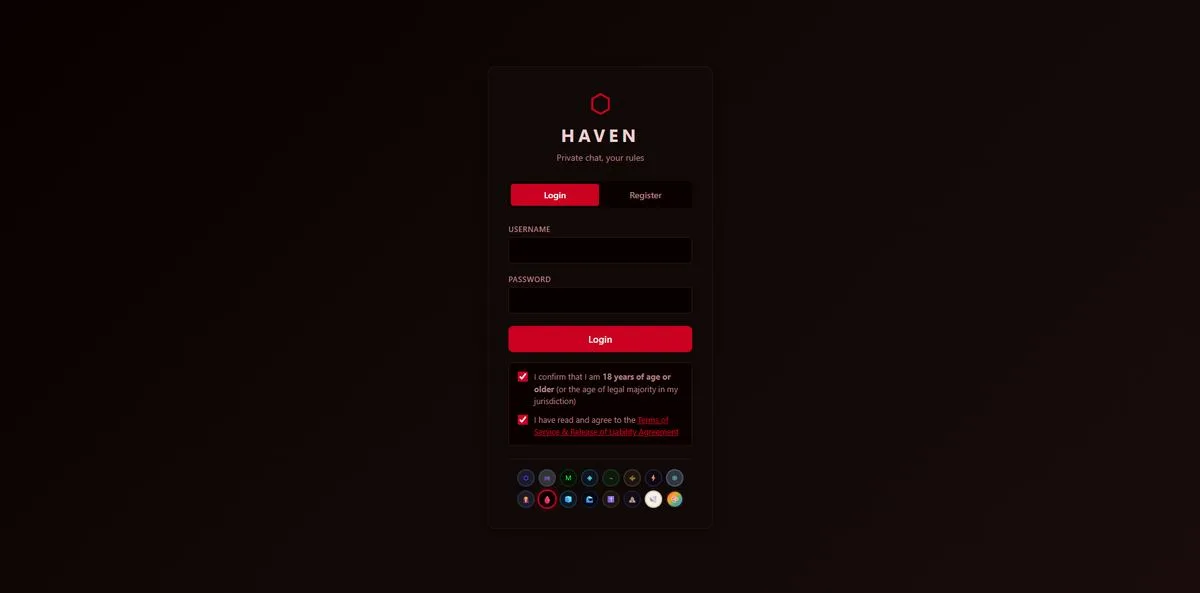
Image source: Haven. Published by the project; the interface may vary by version.
Who should consider it
Haven is a reasonable candidate for people who want to avoid a company account, retain control of chat data, or operate a homelab, hobby community or small internal team. It may also suit communities migrating away from Discord while keeping a bridge available during the transition.
It is less suitable for teams unwilling to handle patches, certificates, domains, remote access, backup recovery and abuse response. Self-hosting is not the same as zero maintenance.
Limitations and deployment considerations
The README provides startup paths for Docker, Windows, Linux and macOS, but the supplied sources do not confirm minimum CPU, memory, storage, concurrency or a complete compatibility matrix. Do not infer production capacity from a quick-start example. Validate voice, screen sharing, mobile notifications, uploads, reverse proxies and TURN on the intended platform before launch.
Before exposing an instance publicly, plan HTTPS, authentication, least privilege, logging, backup isolation and recovery exercises. The project lists password protection, JWT, MFA and login rate limiting, but their effective security depends on configuration and deployment boundaries. Community data, uploads and bridged content should also be covered by retention and deletion policies.
Release 4.26.2 fixes a file-upload false positive involving filenames interpreted as links and changes the default behavior for media scrolled out of view. Operators should review release notes, back up before upgrading, and test plugins, themes, permissions and imported data on a staging instance first.
Sources
Sources checked: 2026-10-18