


Immich
A self-hosted photo and video backup platform with mobile auto-upload, albums, search and facial recognition.
Docker
OPEN SOURCE. YOUR WAY.
From open-source discoveries to self-hosted applications and AI workflows. Understand the tools, make your choice, and put your ideas to work.
Find software and alternatives that fit
From first install to reliable backups
Connect tools and automate routine work
THE SHORTLIST
Look beyond features: understand licensing, deployment, and maintenance.
A self-hosted photo and video backup platform with mobile auto-upload, albums, search and facial recognition.

A workflow automation platform with visual flows, code nodes and native AI capabilities that can be self-hosted.

A lightweight Bitwarden-compatible password manager for individuals and small teams that want control of their data.
A listing is not a test certification. Check each project’s license and requirements. Our standards ↗
FROM THE NOTEBOOK
Practical guides, considered choices, and the details that make a difference.

selfoss is a PHP-based, self-hosted web application for RSS reading and aggregation. It suits people who want one place for feeds and are prepared to maintain a PHP deployment.
Read article →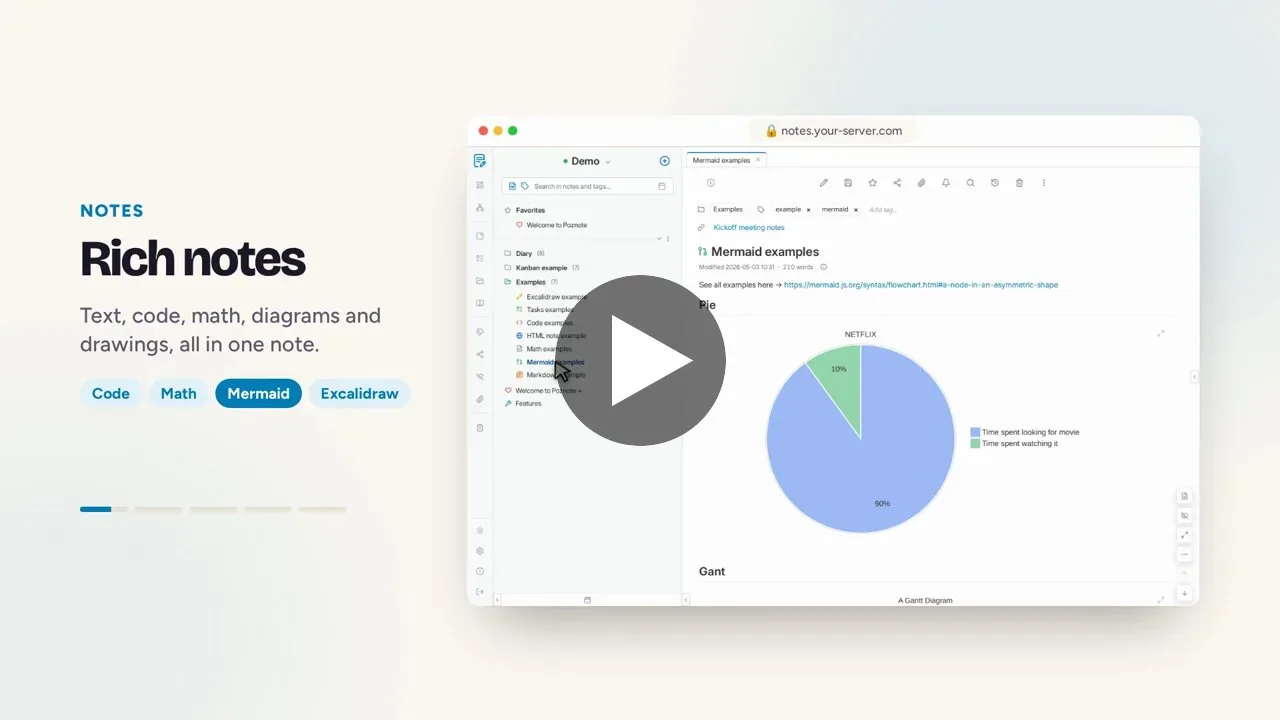
Poznote combines notes, tasks, collaboration, and integrations in a self-hosted web app for people who want control over deployment and data handling.
Read article →
Notesnook offers web, desktop, and mobile clients and presents on-device encryption as a design focus. This review covers known uses, code structure, and questions to resolve before adoption or self-hosting.
Read article →
Lockbook combines notes, sketches, and files in an open-source encrypted workspace with sync, offline access, a CLI, and device key transfer. Its open-beta status and recovery model need review before adoption.
Read article →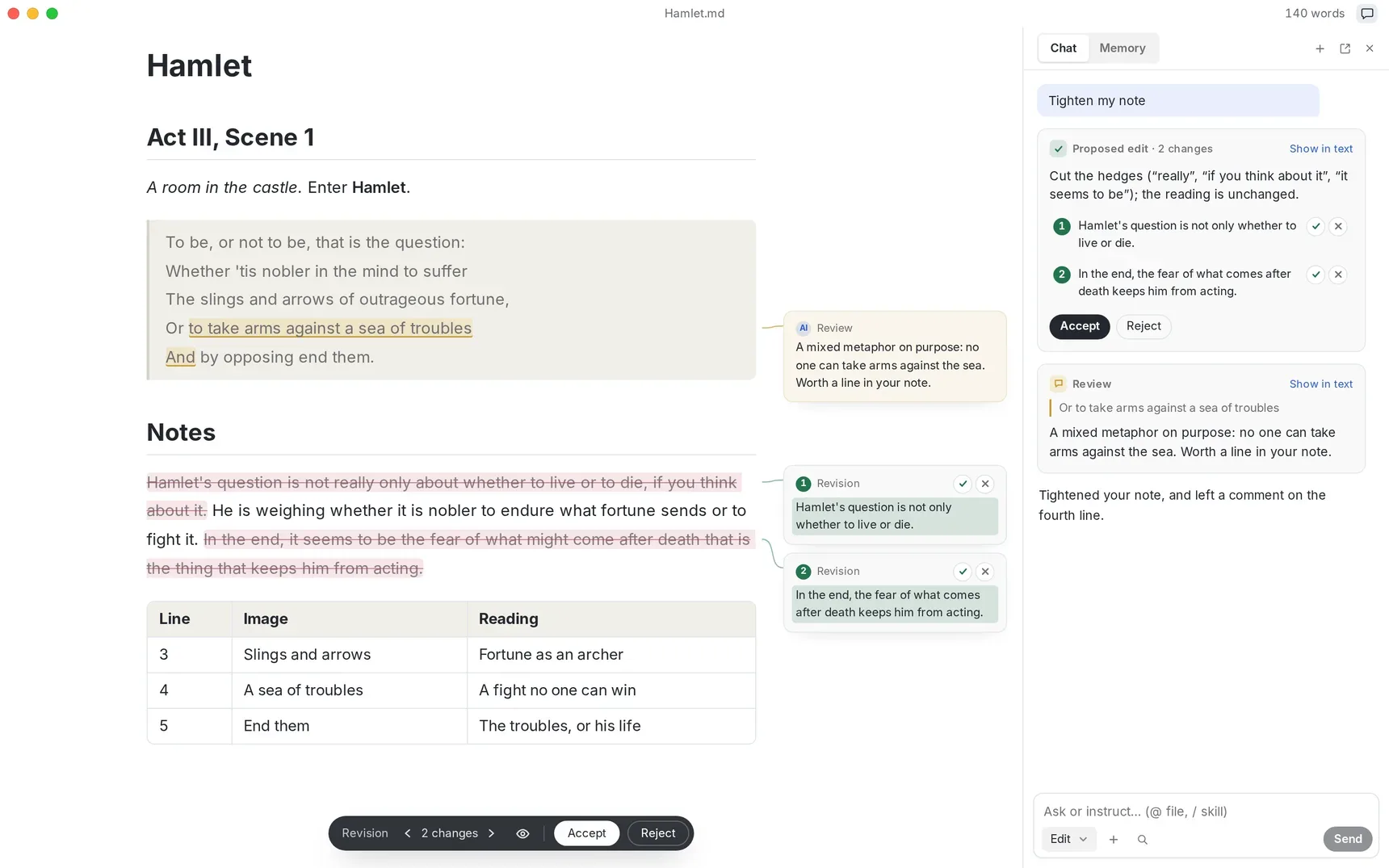
Textus is an MIT-licensed open-source Markdown editor for macOS, Windows, and Linux. It adds optional AI writing, review, export, and extensions, but adoption still requires checking provider, privacy, and version constraints.
Read article →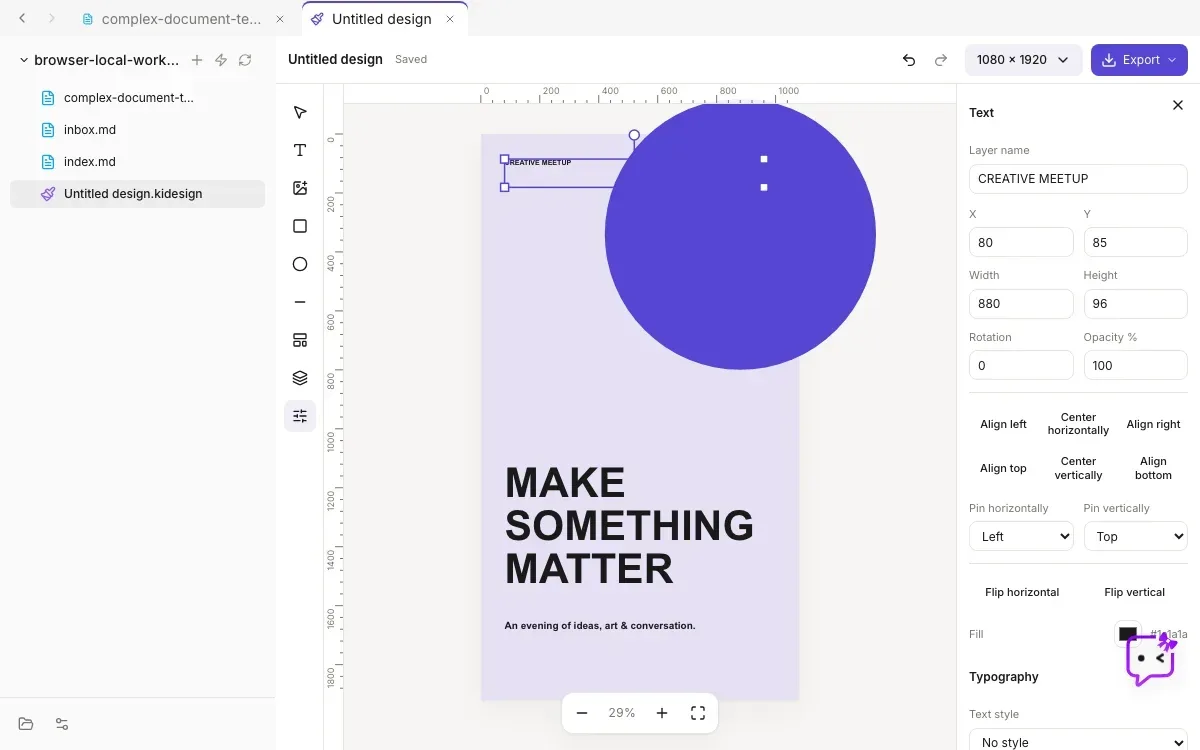
Kition combines knowledge work, structured records, visual planning, web research, and workflows in one desktop workspace. It is still in beta, and its separate runtime boundary makes backups, review, and deployment validation important before adoption.
Read article →DEPLOYMENT NOTES
Make persistent data, backups, security, and upgrades part of your deployment plan.
Read deployment guides