

2026.10.02
Jellyfin: A Self-Hosted Way to Keep Control of Your Media
Jellyfin is a free software media system for people who want to manage and stream films, shows, music, photos, and more from their own server. Plan storage, clients, backups, and maintenance before deploying it.
What it does
Jellyfin is a free software media system whose core repository contains the server backend and API. It is not a hosted content service: users run the server on their own systems, organize their existing media, and provide access to client devices. The official website explicitly says that Jellyfin does not run servers for users, so deployment responsibility remains with the operator.
That makes Jellyfin a natural fit for individuals and households that want control over a personal media library, as well as technically confident self-hosters interested in an open-source media service. It is less suitable for someone who wants a fully managed service with no server administration.
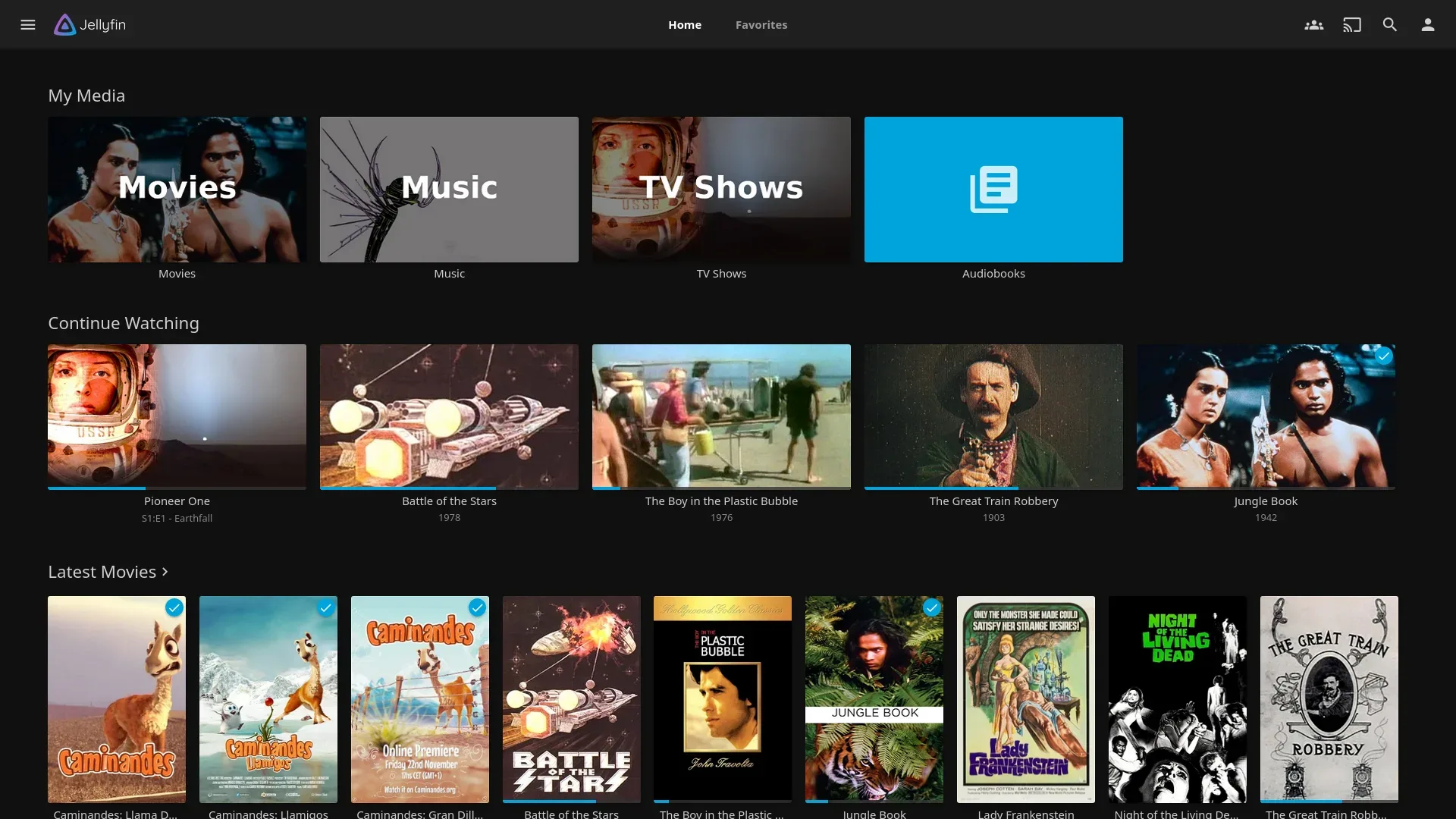
Image source: jellyfin. Published by the project; the interface may vary by version.
Documented features and use cases
The project website lists movies, shows, music, books, comics, magazines, photos, and Live TV with DVR among its use cases. It also presents SyncPlay for watching together with friends or family. The web interface provides library filtering and sorting, while the home screen can be customized for individual users. The site lists web, desktop, Android, Apple, Amazon, Roku, and Kodi client entry points. Client capabilities and availability may differ by platform; the supplied sources do not provide one complete compatibility matrix.
Jellyfin is licensed under GNU GPL v2.0. The website describes it as volunteer-built free software and says that the server and official clients are free to download and use. That does not remove operational costs: the operator still provides storage, networking, hardware, and maintenance. These sources do not establish a universal minimum hardware requirement or performance guarantee.
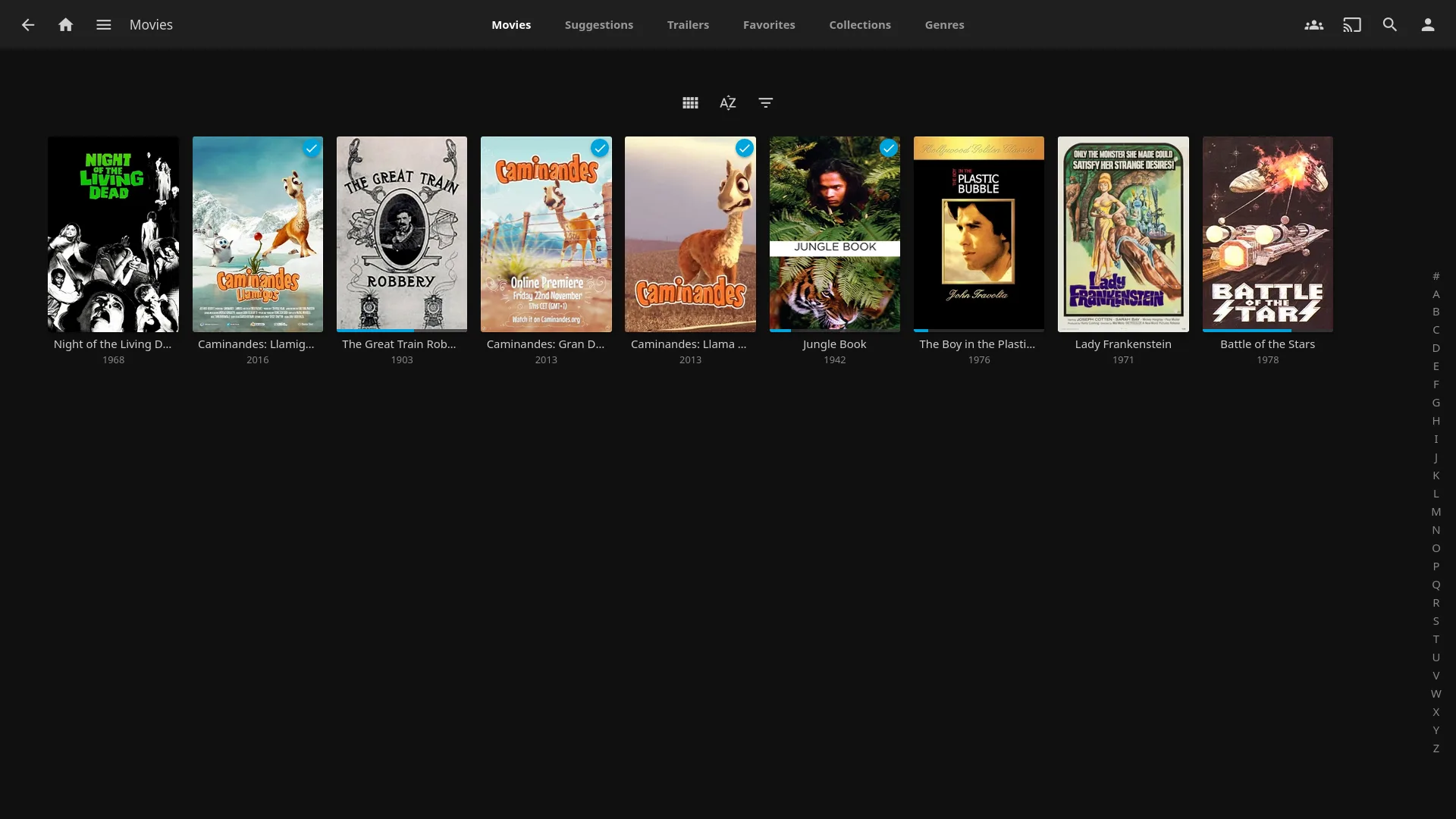
Image source: jellyfin. Published by the project; the interface may vary by version.
Limitations and deployment planning
Start with storage, backup, and access planning. Larger libraries can make scanning, metadata handling, and playback-related resource use important factors, but the supplied official material does not define a general minimum specification. If devices outside the home will connect, the operator must handle network exposure, authentication, and access control. The website’s privacy statements should not be expanded into a blanket security claim.
Source-based development has additional prerequisites. The README calls for the .NET 10 SDK and ffmpeg, and notes that web client files are not included directly in this server repository. Building from source is therefore not necessarily the simplest deployment route. Before installing, consult the project’s official installation and getting-started documentation and verify how the selected server, client, and media setup fit together.
Upgrades also deserve a procedure. The official 12.1 release notes recommend making a full backup before upgrading and list fixes involving database handling, library scans, subtitles, SyncPlay, and playback behavior. Even a minor release should be preceded by preserving configuration, database data, and important metadata, followed by a controlled validation and rollback plan. The supplied sources do not confirm every migration boundary, so operators should not assume that any older environment can be upgraded without risk.
Bottom line
Jellyfin is worth considering if you already have media files, are willing to operate your own server, and value free software and control over your library. Its documented media coverage and client options are broad, but the trade-off is clear: storage, backups, networking, client selection, and upgrade validation remain your responsibility.
Sources
Sources checked: 2026-10-02