

2026.10.26
Kition: A Desktop Workspace for Documents, Tables, Boards, and Reviewable AI
Kition combines knowledge work, structured records, visual planning, web research, and workflows in one desktop workspace. It is still in beta, and its separate runtime boundary makes backups, review, and deployment validation important before adoption.
What Kition is
Kition is a desktop workspace that combines Markdown documents, structured tables, infinite Boards, a tool-using AI Agent, web research, and visual workflows. It is aimed at people who want to keep context, records, visual planning, and repeatable processes in one project rather than moving between disconnected tools. Potential users include individual knowledge workers, researchers, content teams, and small groups managing lightweight operational data. The project is licensed under Apache License 2.0.
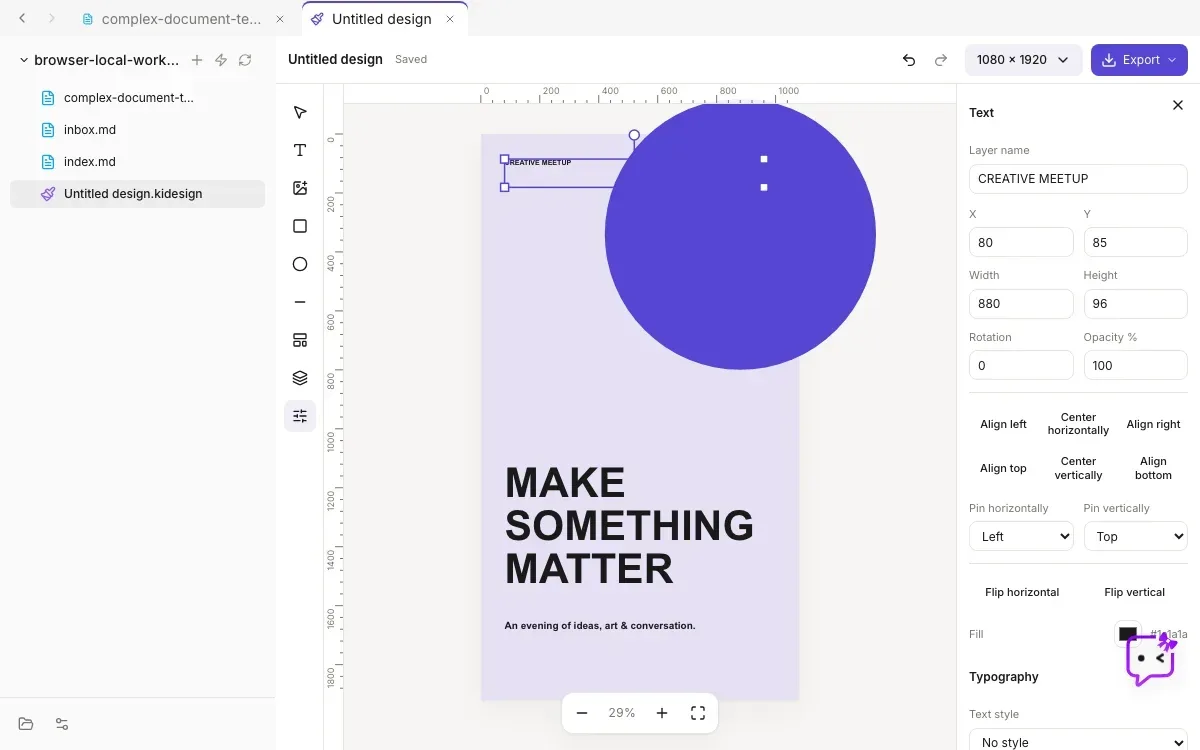
Image source: kition. Published by the project; the interface may vary by version.
Known capabilities
The document layer includes Markdown live preview, internal links, backlinks, tags, code, mathematics, diagrams, daily notes, templates, embeds, full-text search, and PDF export. Tables provide typed fields, attachments, formulas, filtering, sorting, grouping, and multiple views. The README presents research, content pipelines, lightweight CRM, inventory, and project tracking as possible uses.
The Agent is designed to operate on workspace context rather than only return chat text. It can read and update documents, inspect table schemas, create or modify records, search the web, and save results into the active project. Document edits are shown with additions, deletions, and rewrites, allowing users to accept or reject changes individually. Boards support diagrams, mind maps, flowcharts, sticky-note clusters, and freeform sketches. Workflows use triggers and actions, with step testing, run-history inspection, and missing-input checks before activation.
This combination may suit workflows that move from source material to structured records, visual planning, and repeatable automation. A researcher could organize findings in documents and tables; a content team could use records as a batch queue; a project lead could plan on a Board and formalize stable steps as a workflow. The central idea is to keep context and intermediate state visible inside the project.
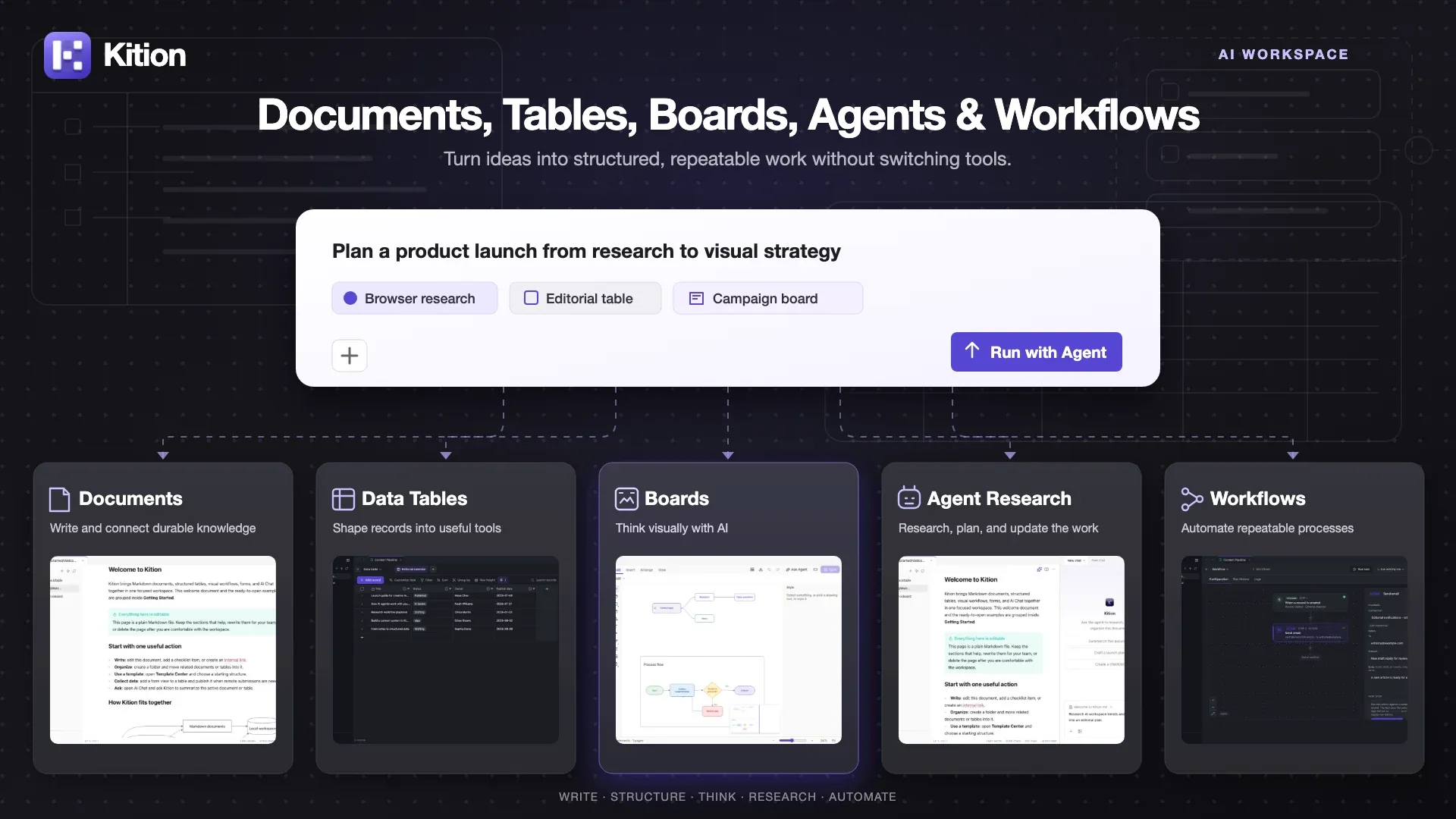
Image source: kition. Published by the project; the interface may vary by version.
Limitations before adoption
The README explicitly says Kition is currently in beta and recommends backing up important workspaces and reviewing Agent changes before relying on them in production workflows. It is therefore better suited to early adopters who can validate outputs, tolerate change, and maintain backups. Web research, document updates, and automation can affect project content, so review should be treated as part of the operating process.
The open-source boundary also matters. The repository contains the public React client, Tauri desktop shell, runtime contracts, mocks, fixtures, and tests. The README says the Kition runtime is maintained separately and is not included in this repository; source checkouts also have no runtime source-build fallback. Anyone expecting to audit or rebuild every component should examine the public contracts and release model first rather than assuming the repository is a complete runtime source tree.
Deployment considerations
Desktop builds are published through GitHub Releases: a macOS DMG, a Windows installer, and an experimental Linux x86_64 AppImage. Source development requires Node.js 22.19.0, pnpm 10.33.0, Rust stable, and the relevant Tauri system prerequisites. Because Linux is explicitly experimental, installation and integration should be validated on a non-critical workspace before wider rollout.
According to the supplied release source, version 0.2.0 was published on October 10, 2026. A sensible evaluation should focus on three questions: whether workspace backup and recovery fit the team’s needs, whether Agent changes are easy to review, and whether required work can be completed reliably within the public runtime boundary.
Sources
Sources checked: 2026-10-26