

2026.10.20
Molio: A Local Knowledge Space for AI Agents
Molio turns documents, web pages, images, and Obsidian content into a Markdown-based knowledge layer with graphs and agent workflows. It supports desktop and self-hosted NAS deployment, but users should review runtime setup, container access, model downloads, macOS notarization, and licensing before adoption.
What it is for
Molio is aimed at people who want AI agents to work with their accumulated personal material over time. It brings notes, documents, web content, images, and books into a personal knowledge space, using Markdown as the on-disk representation. Agents can research, write, answer questions, and analyze that material; their results can be written back into the knowledge base for later tasks.
This makes the project relevant to researchers, writers, and technical users who already have substantial notes, industry material, or ebooks and are willing to organize storage and configure an AI runtime. The supplied project material does not establish that Molio replaces every general-purpose chat product, so that conclusion should not be inferred.
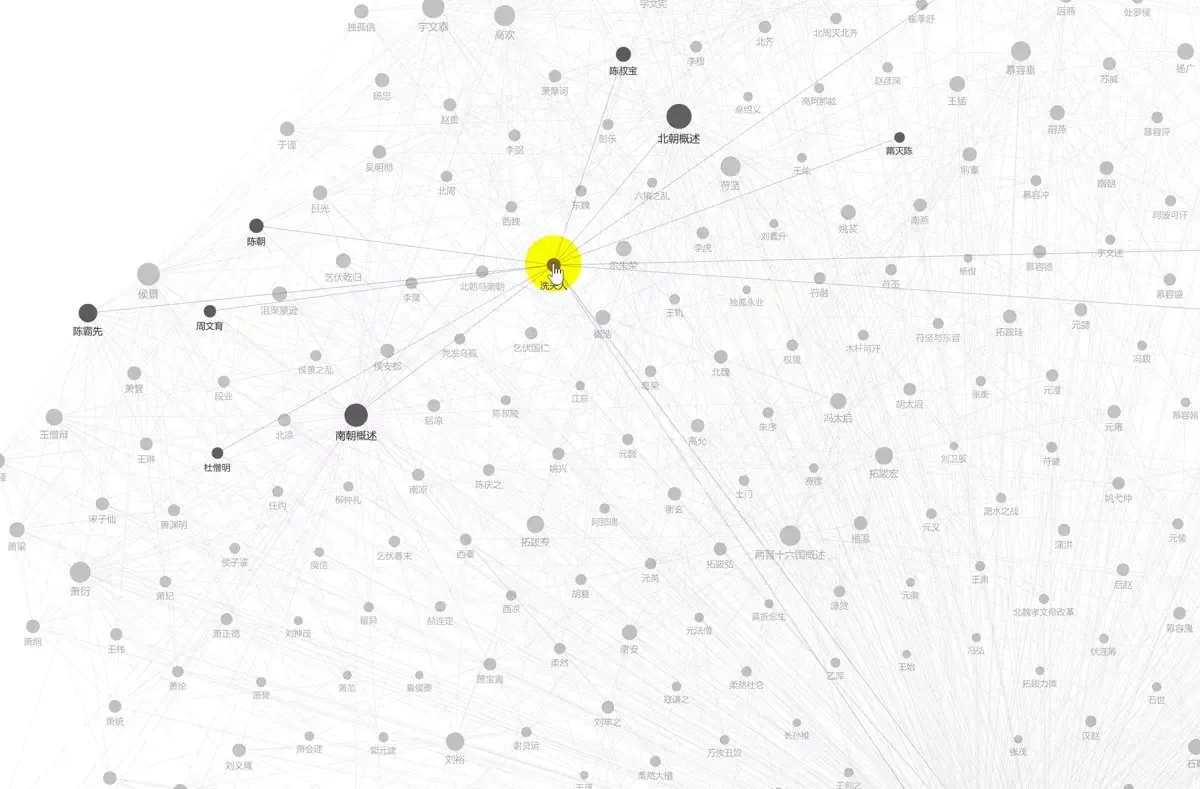
Image source: Molio. Published by the project; the interface may vary by version.
Documented capabilities
The README lists Markdown, TXT, HTML, CSV, PDF, Word, PowerPoint, Excel, and PNG, JPG, and TIFF images as supported inputs. It says PDF and Office files use layout analysis, OCR, and table reconstruction, while images undergo OCR extraction. Large books use chunked preprocessing and a resumable digest pipeline. Web pages can be collected through a Web Clipper, and an Obsidian vault can be opened in place with the original files read-only.
A Wiki engine extracts entities and concepts from the Markdown layer and creates cross-links and layered indexes. The project also describes a knowledge graph, an agent workbench, streaming output, and access through channels such as WeChat. Channel capabilities differ by status in the README table, so planned items should not be treated as currently available features.
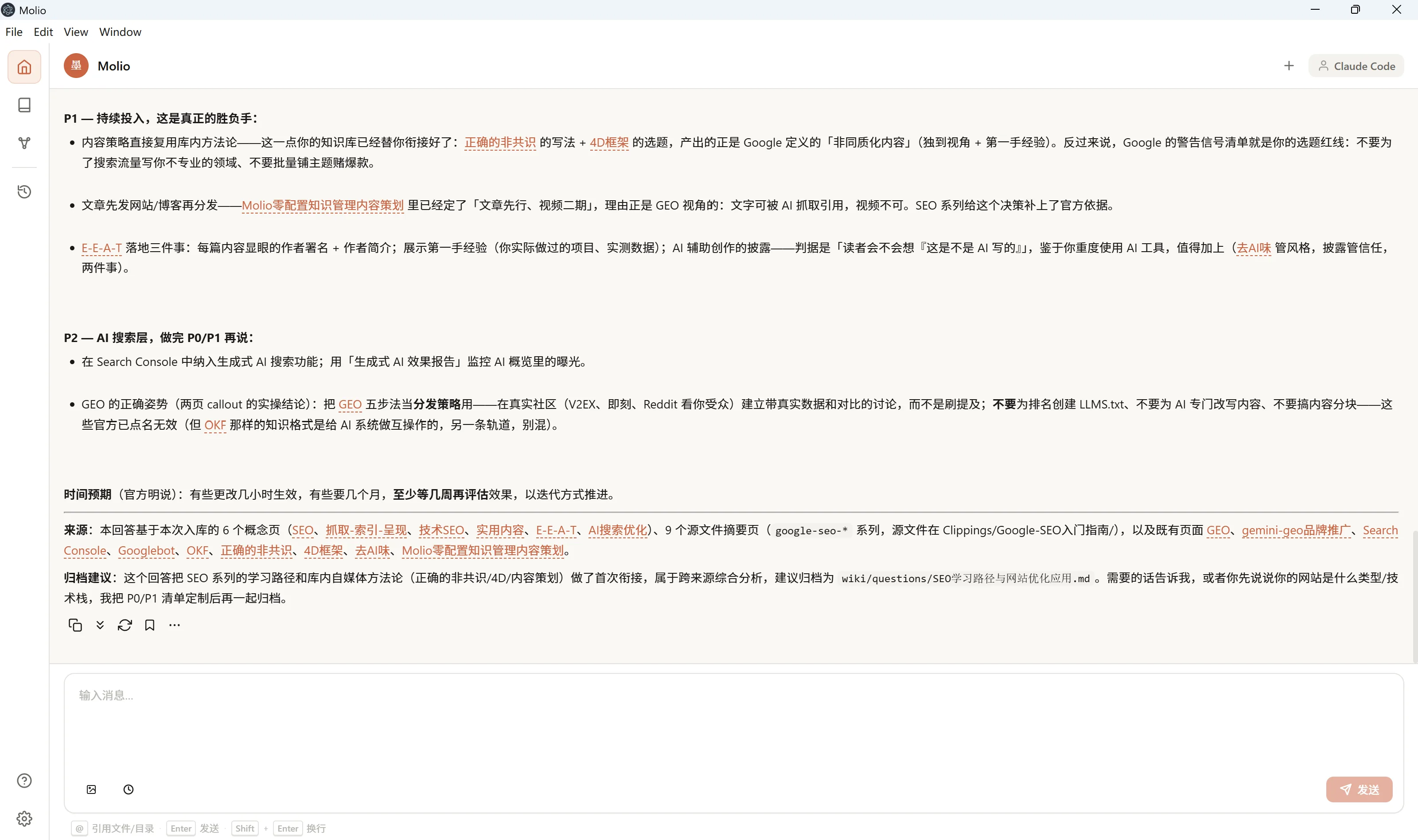
Image source: Molio. Published by the project; the interface may vary by version.
Deployment and adoption considerations
Molio offers desktop installation as well as Docker and Docker Compose deployment as a self-hosted web service on a NAS or server. In container mode, access is browser-only: the desktop client does not connect to a remote NAS container. The daemon can only read and write mounted directories, and new knowledge bases use container-internal paths. Administrators should therefore plan volume mappings, backups, and access controls before deployment rather than assuming the desktop folder-picker workflow applies.
The README says the first PDF or Office conversion downloads the tool and about 500MB of models. Network availability, disk capacity, and cache handling should be checked in advance. Molio also requires configuring an AI runtime and API key. The supplied sources do not confirm model-provider pricing, data policies, or offline behavior, so those points need separate verification.
Repository metadata reports the license as “Other” with SPDX NOASSERTION; this is not enough to infer permissions, so the repository’s LICENSE should be reviewed before use. Release 0.4.1 also warns that macOS may block the app because it is not notarized, adding an installation step for some users. This article is based on the supplied project materials and does not claim independent testing; performance limits and security properties remain unconfirmed.
Sources
Sources checked: 2026-10-20