

2026.10.16
Natively: A Local AI Desktop Assistant for Meetings and Interviews
Natively is a source-available desktop application for meetings, interviews, and note taking. It offers live transcription, AI answers, local retrieval, and multiple speech-to-text options, but users should review its license, data flows, stealth-mode limits, and system requirements before deployment.
What the project is for
Natively is a desktop AI application aimed at meeting assistance, interview support, and note taking. Its README describes real-time transcription, AI meeting notes, lecture recording, local retrieval-augmented generation (RAG), bring-your-own-key support, and a stealth mode. It is most relevant to individuals who want live audio, screen context, and reference material in one workflow, rather than only a post-meeting transcription service.
The project lists support for macOS 12 or later, including Apple Silicon and Intel, as well as Windows 10/11. The README documents a Homebrew installation path for macOS, but that should not be treated as a universal deployment method. Before adopting it, verify the target operating system, organizational restrictions, and whether audio and screen-capture permissions are available.
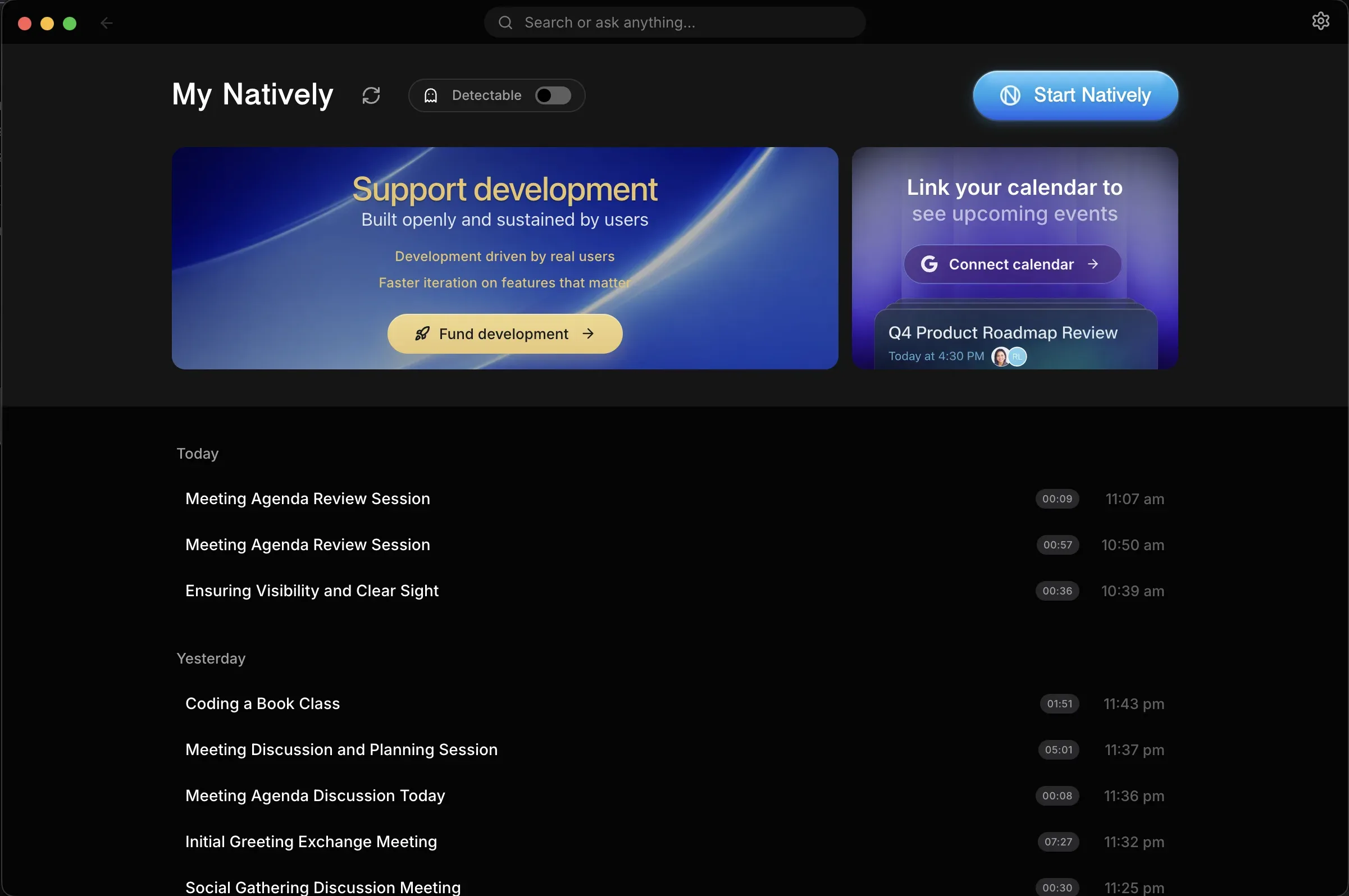
Image source: natively-cluely-ai-assistant. Published by the project; the interface may vary by version.
Documented capabilities
The v2.9.2 release adds Auto Answer (Beta). It is intended to produce answers sooner and leave questions directed at other participants alone; it is disabled by default and must be enabled in Settings. Visual Answers can draw system designs, flows, sequence diagrams, ER diagrams, state machines, swimlanes, trees, and timelines inside an answer. The release notes say requests can be made in English, Spanish, Russian, Chinese, or Japanese.
Phone Mirror 2.0 lets a phone follow a meeting with the live transcript and streaming answers, while sending photos back to the desktop. Calendar sync links meetings to calendar events, names speakers in notes, and can draft a follow-up email when requested. For retrieval, users can choose embedding and reranking options from Gemini, OpenAI, Voyage AI, Jina AI, and local models.
The project supports multiple speech-to-text providers. The release notes also list Apple Speech without an API key on macOS 26 and later, plus the local Parakeet TDT model covering 25 languages. Availability will depend on the operating system, model, and account configuration; the supplied sources do not establish a universal minimum hardware requirement.
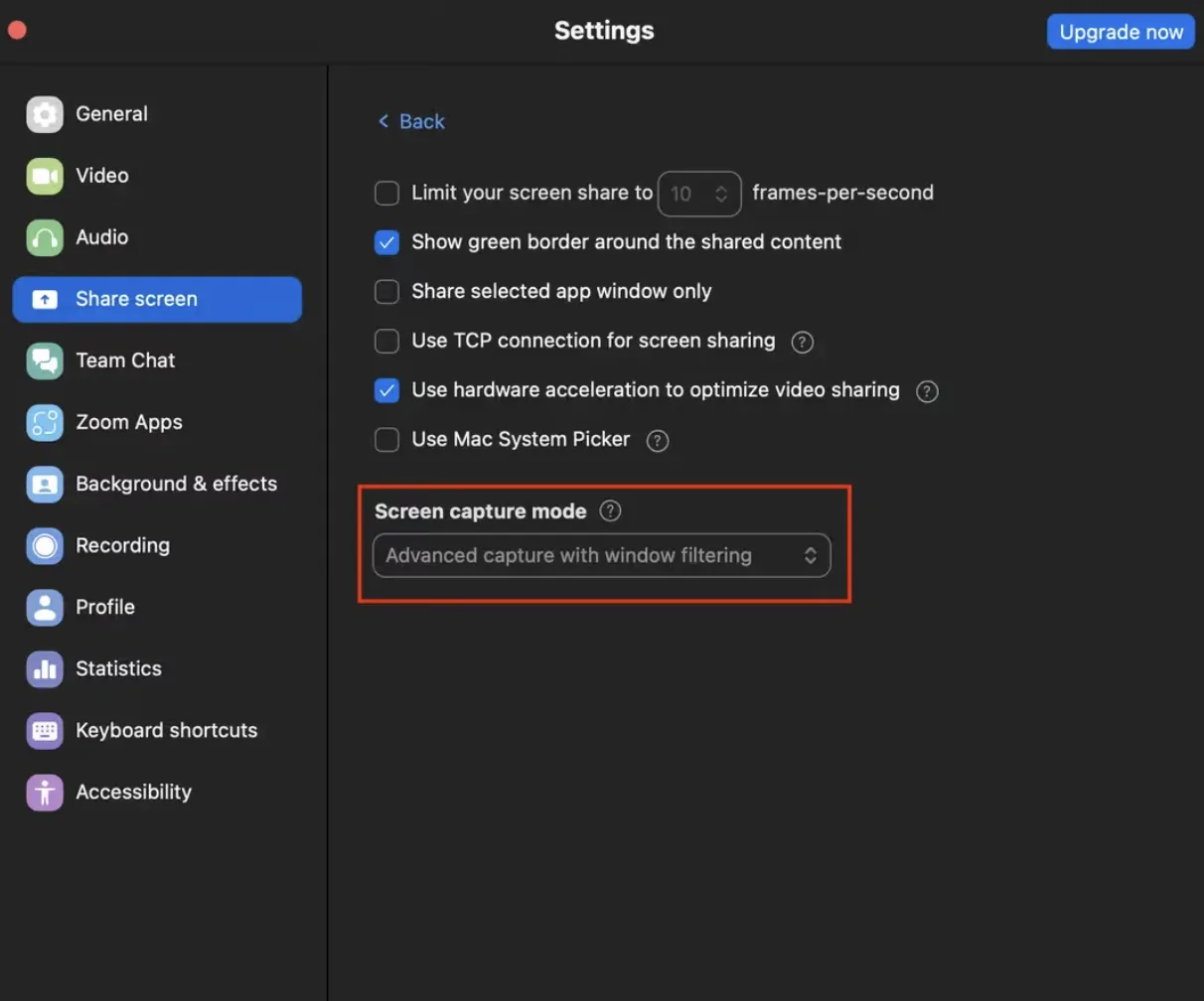
Image source: natively-cluely-ai-assistant. Published by the project; the interface may vary by version.
Limitations and deployment considerations
The license should not be assumed to be a permissive open-source license. The README labels the project “Personal Use Source,” while GitHub metadata reports an SPDX value of NOASSERTION. Commercial use, redistribution, and organizational deployment therefore require reviewing the repository’s LICENSE and obtaining clarification where necessary.
“Runs locally” also does not mean that every piece of data always stays on the device. The project supports cloud models, third-party speech services, and external providers. Data movement depends on the selected model, transcription provider, screenshot settings, and account configuration. The README says transcripts, API keys, and screenshots are stored locally by default, but that is not a substitute for reviewing the privacy documentation, network behavior, and organizational compliance requirements.
Stealth mode should not be treated as a compliance or examination-evasion guarantee. The README describes it as best-effort and distinguishes dedicated proctoring software and phone cameras as separate scenarios. Recording, transcription, and screen analysis may also require participant consent and may be restricted by company policies, interview rules, or privacy obligations. Obtain the necessary authorization before deployment and disable collection that is not needed.
Who may benefit
Natively may suit individual learners, researchers, meeting-heavy users, and technical users who want to choose their own models or speech services. Businesses, commercial integrators, and users in tightly proctored environments should first evaluate the license, data flows, permissions, update process, and usage policies before adopting it.
Sources
Sources checked: 2026-10-16