

2026.09.17
PlainApp: Manage an Android Phone from a Local Web Browser
PlainApp turns an Android phone into a self-hosted hub for local browser access to files, media, messages, notifications, and screen mirroring.
What the project is
PlainApp is an open-source Android application that acts as a self-hosted management hub rather than a single-purpose file transfer tool. When the phone and computer are on the same network, a user can open the management interface in a web browser without installing a companion desktop client. The README also mentions PWA support, allowing the web entry point to be pinned like an app.
It is aimed at Android users who want to reduce reliance on cloud services, manage a phone from a desktop on a home or office network, or handle files, messages, and notifications without switching between several tools. Developers who value inspectable and modifiable software may also find it relevant: the repository metadata lists the GNU Affero General Public License v3.0.
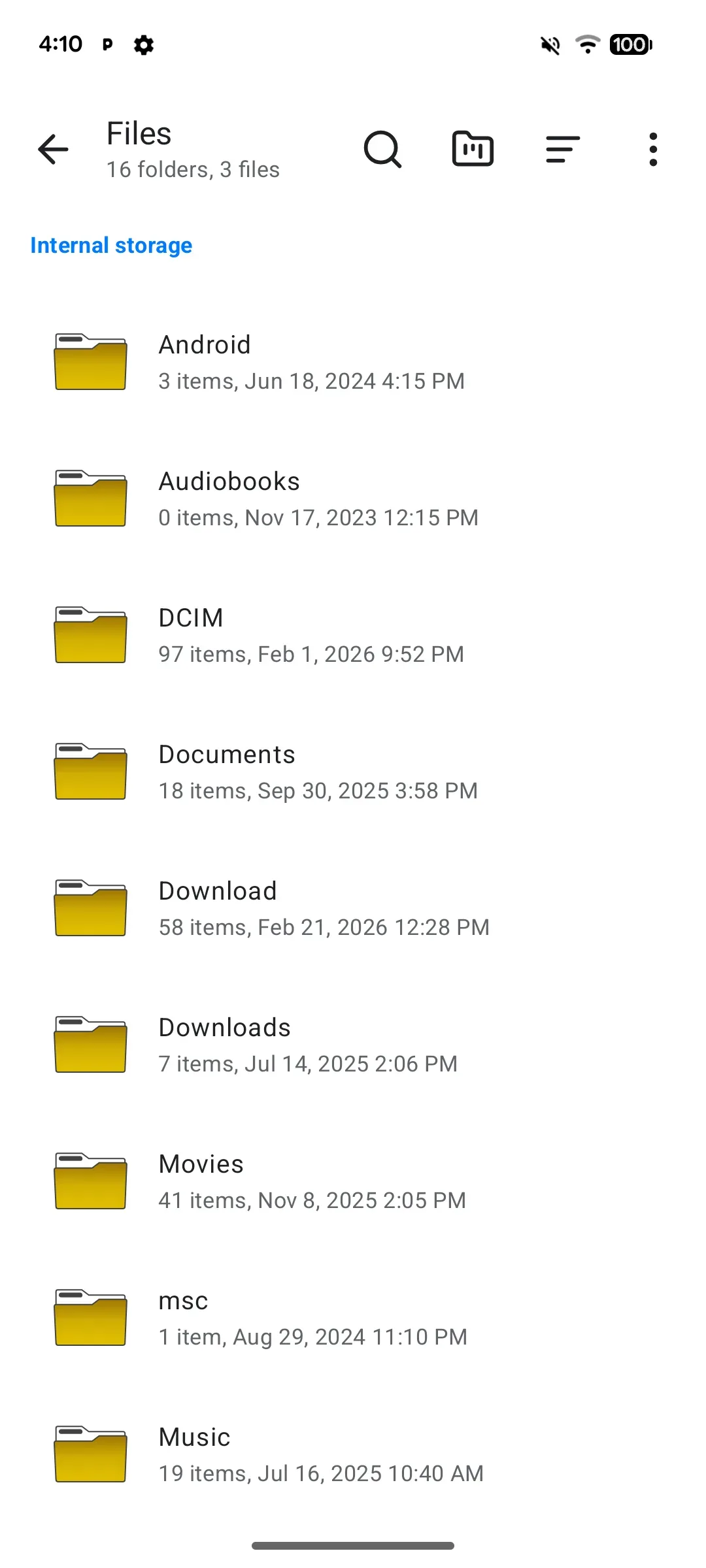
Image source: plain-app. Published by the project; the interface may vary by version.
Documented capabilities
The browser interface covers a broad set of phone-management tasks. It can browse internal storage, SD cards, and USB drives, with upload, download, rename, and delete operations. Photos, videos, and audio can be viewed and streamed in the browser. Contacts can be viewed, searched, and managed. The SMS and calls area can display messages and call logs and supports sending SMS from the desktop.
PlainApp can list installed applications and export APKs. Phone notifications can be mirrored to the browser in real time. Screen mirroring is described as live streaming with audio and remote-control support. A device-information view exposes battery, storage, network, and system details.
The Android app also includes Markdown notes, an RSS reader, a video and audio player with playlists, DLNA/Chromecast TV casting, peer-to-peer chat and file sharing, a Pomodoro timer, and a sound meter. These features make it more than a browser-based remote file manager, although the supplied sources do not establish that every feature behaves identically across devices.
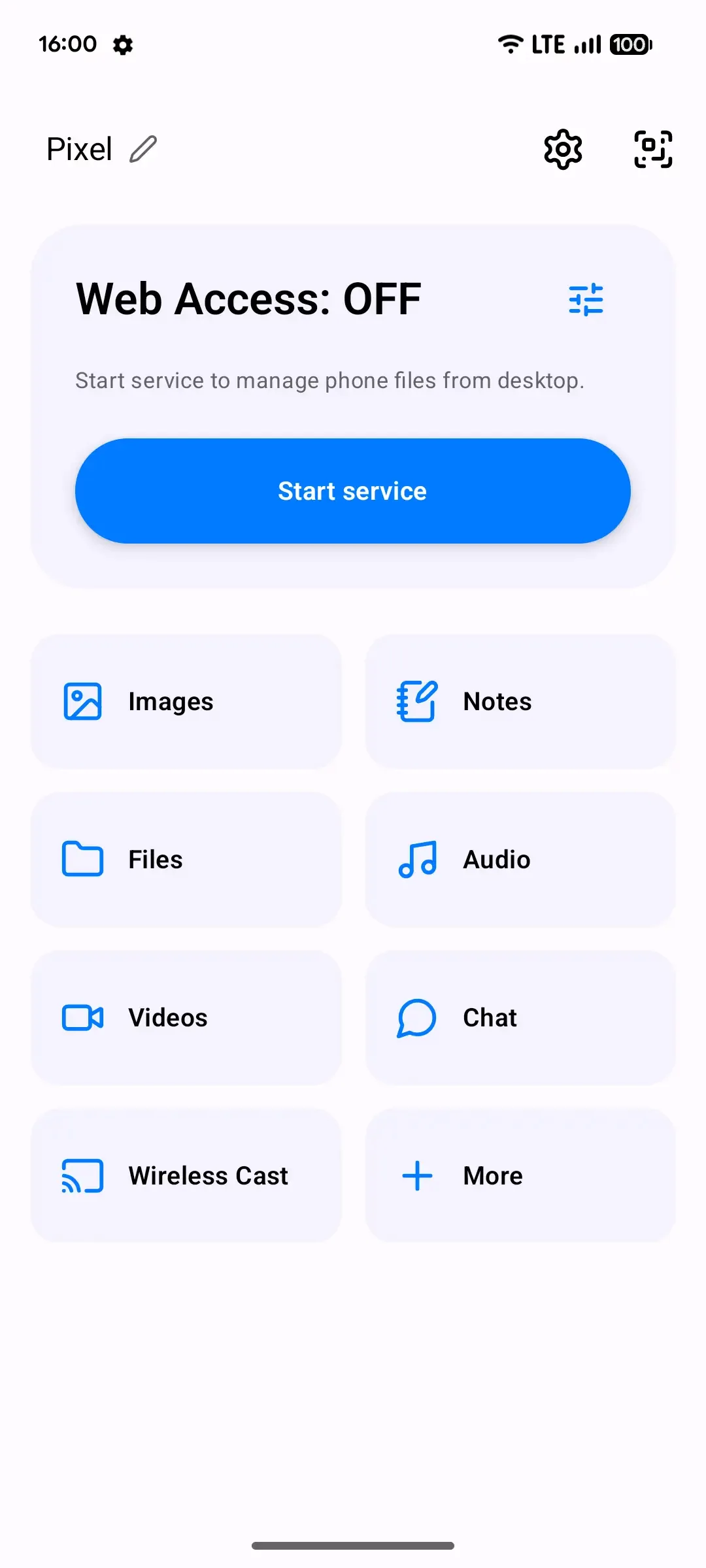
Image source: plain-app. Published by the project; the interface may vary by version.
Privacy and deployment considerations
The project documentation says that data is not sent to third-party servers and that phone-to-browser traffic uses TLS and XChaCha20-Poly1305. A no-account, local-network design can reduce the need to hand phone content to an external service. It should not, however, be treated as a substitute for access control or network segmentation. Files, contacts, SMS, notifications, and screen contents may be sensitive, so users should confirm that the local network and connected devices are trusted and pay attention to browser certificate warnings.
PlainApp requires Android 9.0 or later. The supplied sources do not confirm minimum RAM, storage, processor requirements, or feature availability by phone brand. Screen capture, background operation, notification access, SMS sending, and removable storage may also be affected by Android permissions, battery optimization, and vendor-specific policies. A feature listed in the README should not be assumed to work in every configuration.
The 3.3.25 release notes say that the app can choose an available port when the configured port is already occupied and that its certificate-warning help was improved. Deployment still requires checking the actual port and certificate experience. The release also reports VirusTotal results for selected artifacts, but that is not a security guarantee for the whole project or runtime environment. Before adoption, review the license and requested permissions, then validate the workflow on a non-sensitive network.
Sources
Sources checked: 2026-09-17