

2026.10.26
Poznote: A Feature-Rich Note App for Self-Hosted Users
Poznote combines notes, tasks, collaboration, and integrations in a self-hosted web app for people who want control over deployment and data handling.
Project overview
Poznote is a free, self-hosted, open-source note-taking web application released under the MIT License. The repository presents it as an alternative to Notion, Obsidian, Evernote, and OneNote; that positioning should not be read as an independently verified performance comparison. Its clearest audience is people who want to run a note service in their own environment and accept the maintenance that comes with self-hosting.
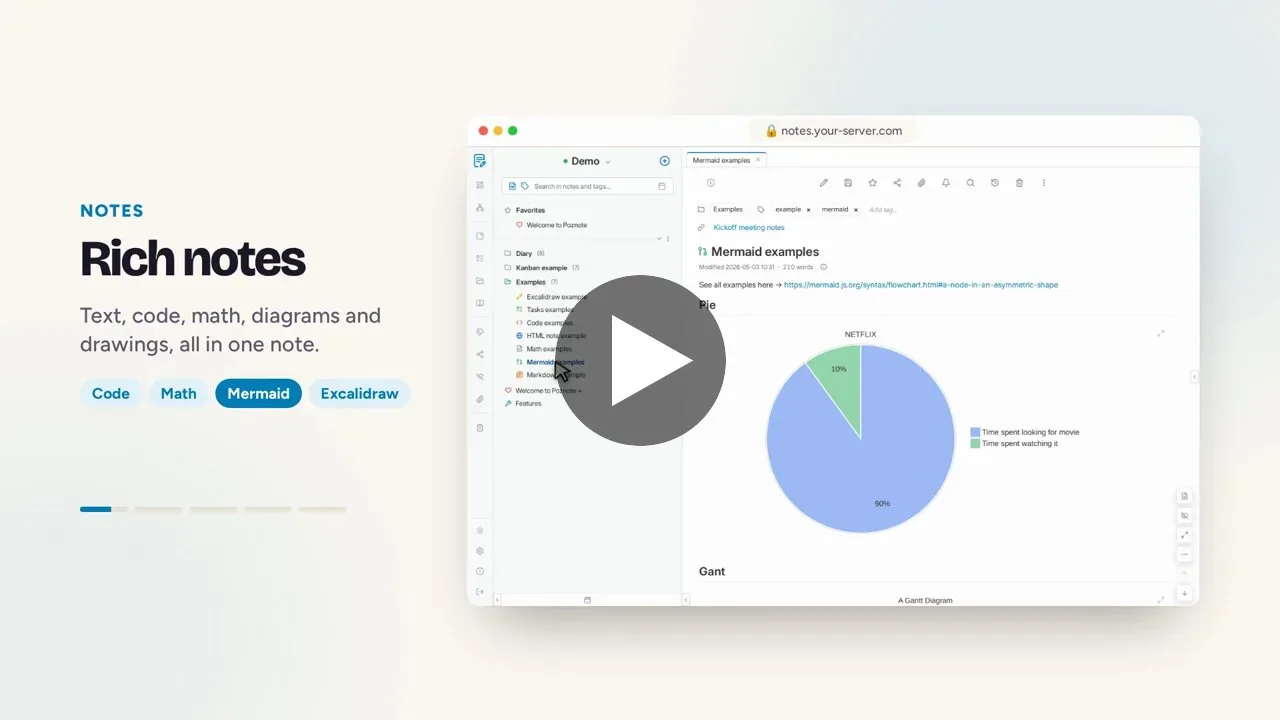
Image source: poznote. Published by the project; the interface may vary by version.
Known capabilities
The README lists a broad feature set: notes and to-do items, multiple users, sharing and collaboration, revisions, an activity log, webhooks, Git synchronization, S3 attachment storage, backup and export, restore and import, offline use, multiple instances, an AI assistant, speech-to-text transcription, an MCP Server, an API, a Chrome extension, and an Android sharing entry point. Each integration should be checked separately before adoption, since the sources do not establish that every feature works without extra configuration, services, or permissions.
The 6.130.0 official release adds sign-in from chat applications to the MCP Server and lets administrators replace the application logo. It also states that connected users can choose an access level and reach their own notes. This confirms the release notes, not universal compatibility across every chat client, model, or deployment.
Who may benefit
Poznote may fit a personal knowledge base, household or small-team documentation, task lists, and controlled collaboration. Users familiar with Docker, reverse proxies, backups, and account administration will be better prepared for the operational side of self-hosting. The project also provides a multilingual README and documents Docker Desktop, ARM64 devices, and NAS-oriented usage.
Deployment considerations and limits
The official image is documented for linux/amd64 and linux/arm64. The README describes Docker Compose and a rootless image. The rootless variant runs as an unprivileged user, but the operator must prepare data-directory ownership. A Proxmox VE installation script and a Helm chart are also mentioned; both are community-maintained options and should not be confused with the project’s own maintenance boundary.
The documented initial access uses port 8040, username admin_change_me, and password admin; the README explicitly instructs users to rename the administrator account and change the password after first login. For an Internet-facing deployment, operators should plan HTTPS, access control, backups, attachment storage, and an update process. The supplied sources do not establish tested performance, minimum hardware, availability, or security guarantees, so the listed integrations should not automatically be treated as production assurances.
The public demo credentials are for evaluation, not private data. The adoption decision therefore depends on whether you want to maintain containers and persistent data, and whether Git, S3, MCP, or AI-related extensions matter to your workflow.
Sources
Sources checked: 2026-10-26