

2026.10.17
QMReader: A Self-Hosted Workbench for Reusable RSS Reading
QMReader combines technical RSS feeds, bilingual translation, Chinese rewrites, comments, article-context AI chat, and public reading assets in a self-hosted workbench.
What it is for
QMReader is a self-hosted RSS reading workbench designed around technical content. Instead of stopping at subscription and opening links, it connects discovery, interpretation, and publishing: readers can browse feeds, view original articles with Chinese translations, generate Chinese rewrites, add human comments, and chat with an AI agent in the context of an article. The project uses the MIT License, and its official release page lists v1.0.5.
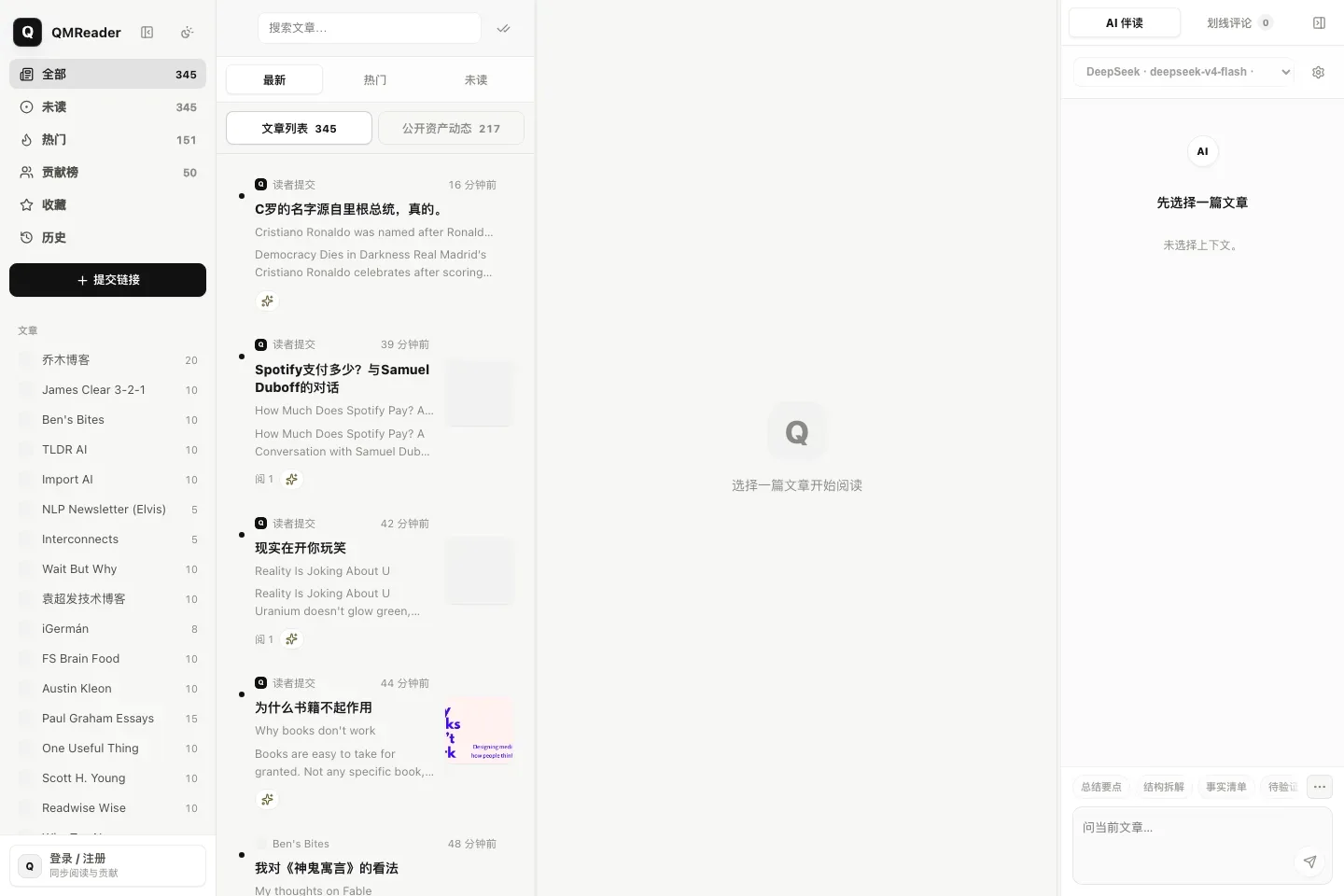
Image source: qmreader. Published by the project; the interface may vary by version.
Who it suits
The project is a reasonable fit for individuals, small teams, and content contributors who regularly read English technical material and want to turn that reading into reusable Chinese notes or public assets. Stable links, asset directories, contributor pages, and RSS feeds make translated or rewritten material easier to revisit and share than a private conversation alone.
QMReader supports RSSHub, direct RSS, and sitemaps, with sources including Hacker News, Product Hunt, GitHub Trending, and Hugging Face Papers. Its reading views include search, source filtering, unread items, favorites, and history. Article pages keep the original, translation, rewrite, and Article Agent in one reading context.
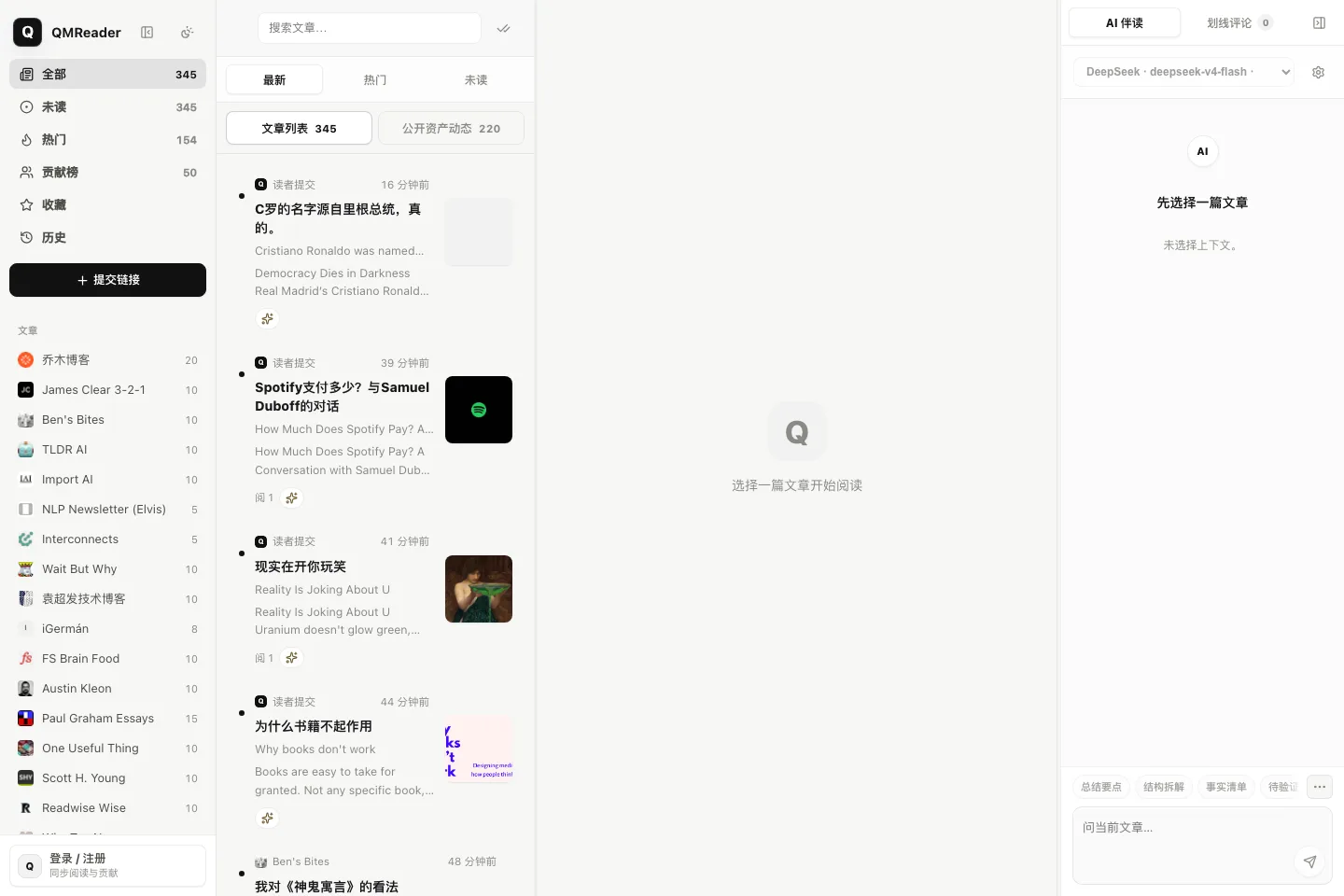
Image source: qmreader. Published by the project; the interface may vary by version.
Notable capabilities
A central design choice is a “fast first, slow later” pipeline. The fetch worker retrieves feeds or pages and stores results in cache and SQLite; the AI worker then handles title translation and automatic rewrites. This separation means new entries can appear before slower model work finishes. Public asset pages and RSS feeds expose translations, rewrites, comments, highlights, and article conversations for later reference.
For deployment, the README documents Node, systemd, and Docker Compose options, with SQLite and cache files used for runtime data. The server requires a DeepSeek or another OpenAI-compatible API provider. User-supplied API keys are kept in browser localStorage rather than SQLite, but article chat, model listing, and connection tests are proxied through the site backend. Operators should therefore review their own trust boundary, logs, and configuration handling.
Limits and deployment considerations
AI output depends on an external provider, so quality, latency, rate limits, model changes, and cost remain operational variables. Some websites may also be blocked by Cloudflare or other anti-bot controls, making source collection inconsistent. The README explicitly describes the default SQLite setup as better suited to personal or small-team self-hosting than to a high-concurrency, multi-tenant service.
The account model deserves attention as well: registration does not use email verification, so it should not be treated as a ready-made open community identity system without further work. Public comments and conversations may appear in asset pages, contributor pages, sitemaps, or RSS feeds; users should avoid entering private information. Before production deployment, protect server-side credentials, persist the data directory, and use the project’s recovery documentation to plan backups, rollback, and restoration.
Sources
Sources checked: 2026-10-17