

2026.09.30
Quarkdown: Programmable Markdown for Documents, Books, and Slides
Quarkdown extends Markdown with scripting and document-layout features for HTML, PDF, documentation, books, and presentations. Before adoption, verify browser dependencies, project fit, versioning, and GPL-3.0 obligations.
What it is for
Quarkdown is a Markdown-based typesetting system intended to let one source project serve several document workflows: books, academic papers, knowledge bases, technical documentation, and interactive presentations. It extends CommonMark and GFM rather than merely adding a few formatting shortcuts, so it is aimed at projects that need reusable content, conditional logic, or controlled layouts.
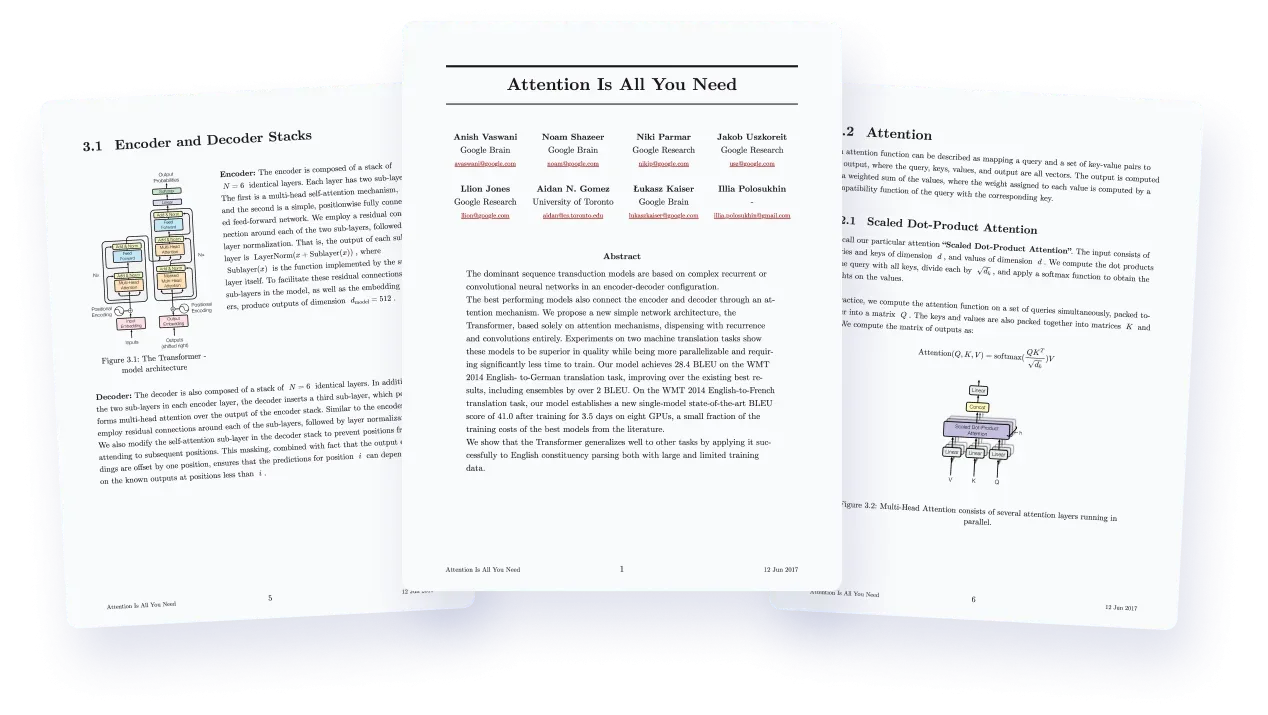
Image source: quarkdown. Published by the project; the interface may vary by version.
Known capabilities
The Quarkdown Flavor supports functions, variables, conditionals, and loops, and users can define their own functions and variables. The README also lists standard-library capabilities related to layout, I/O, and mathematics. This can help teams turn repeated sections or document components into reusable abstractions, although authors must learn Quarkdown’s own syntax in addition to familiar Markdown.
The documented targets include HTML, PDF, GFM Markdown, and plain text. HTML documents can use plain, paged, slides, or docs types for continuous pages, paged documents, presentations, and documentation or knowledge-base use cases. The project also describes live preview, file watching, and a REPL workflow. A VS Code extension is listed; the IntelliJ IDEA plugin mentioned by the README is identified as unofficial.
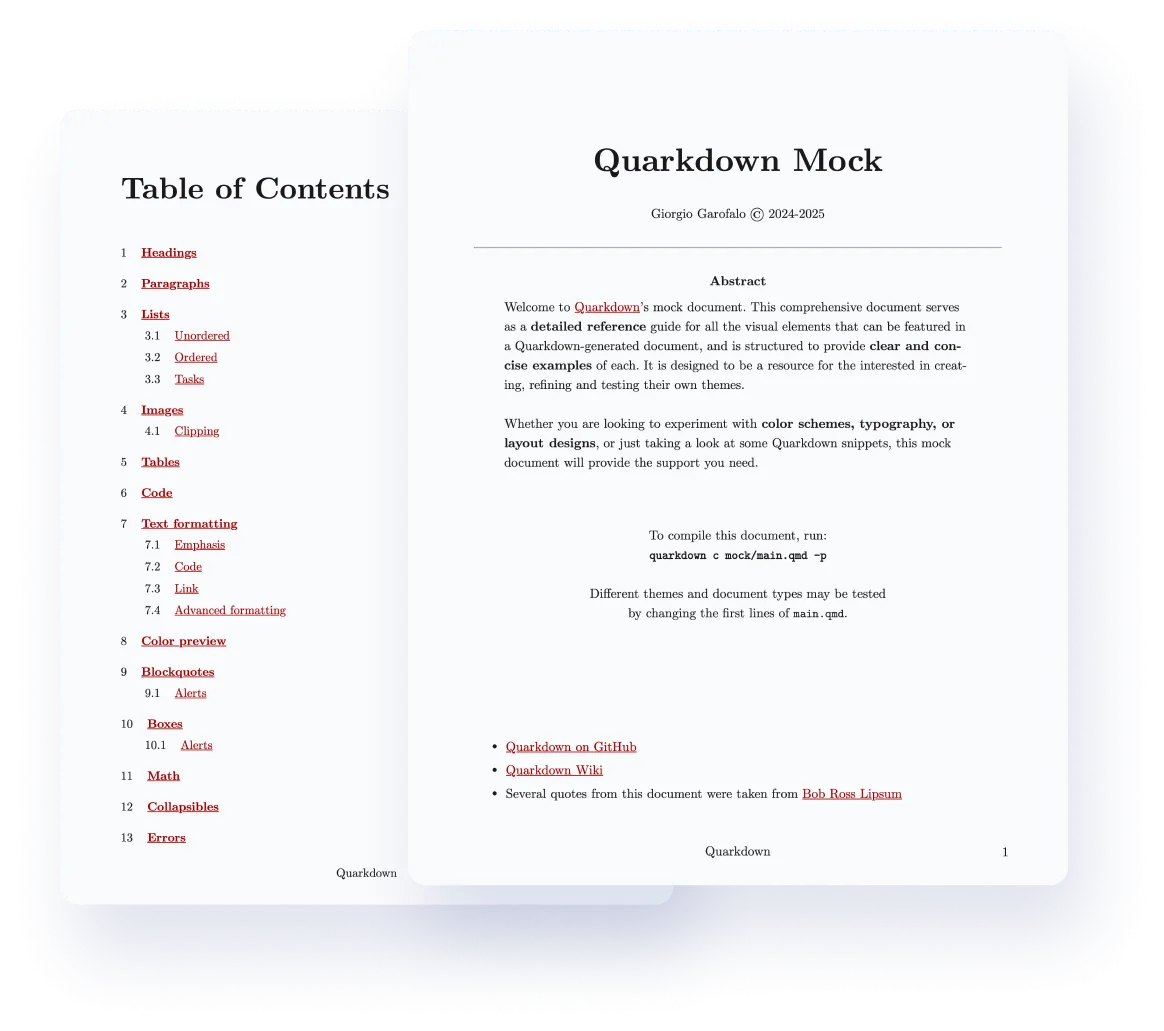
Image source: quarkdown. Published by the project; the interface may vary by version.
Who may benefit
Quarkdown is worth evaluating for Markdown users who need more control than ordinary Markdown provides, including researchers preparing papers, technical writers maintaining documentation, and individuals publishing a knowledge base or presentation from a shared source. It may be less compelling for a small README-only workflow, or for teams that want to stay entirely within an established traditional typesetting ecosystem. A small proof of concept is preferable to deciding from the project description alone.
Limits and adoption concerns
The supplied README does not specify minimum hardware, and the supplied material does not confirm every supported operating system, browser version, or resource profile for large projects. PDF export requires a Chromium-family browser, adding a build dependency that should be checked in CI and containers, together with fonts and pagination output.
The repository is marked GPL-3.0. Teams should review the license obligations before distributing modified tooling or combining it with other components. The README describes a restrictive permission system, but that description should not be treated as a universal security guarantee for every deployment.
Version control also matters. Release v2.6.2 fixed browser errors involving empty code blocks and added protection against potential path traversal through the live-preview endpoint. This makes upgrade testing relevant, especially when live preview is enabled or a development service could be reachable beyond a local environment.
Deployment considerations
Start with a small paper, documentation site, or slide deck and test the plain, paged, slides, and docs modes that match the intended workflow. Pin Quarkdown, Chromium, fonts, and generated artifacts in CI. Keep live preview confined to development unless its exposure has been deliberately reviewed. For long-lived team adoption, evaluate custom-function readability, build diagnostics, reproducibility, and the effect of GPL-3.0 on the release process.
Sources
Sources checked: 2026-09-30