

2026.09.25
Uptime Kuma: Monitoring for Self-Hosted Environments
Uptime Kuma provides several monitor types, notifications, and status-page features. Review persistent storage, network exposure, runtime requirements, and maintenance before adoption.
What it is for
Uptime Kuma is a self-hosted monitoring tool for individuals, developers, small teams, and home-lab operators that want to deploy their own monitoring service. Its documented interface and status-page features can help bring together monitoring for websites, APIs, network services, and containers. The repository is not archived and the project uses the MIT License, but adoption should still be assessed against an organization’s compliance needs and ability to maintain the service.
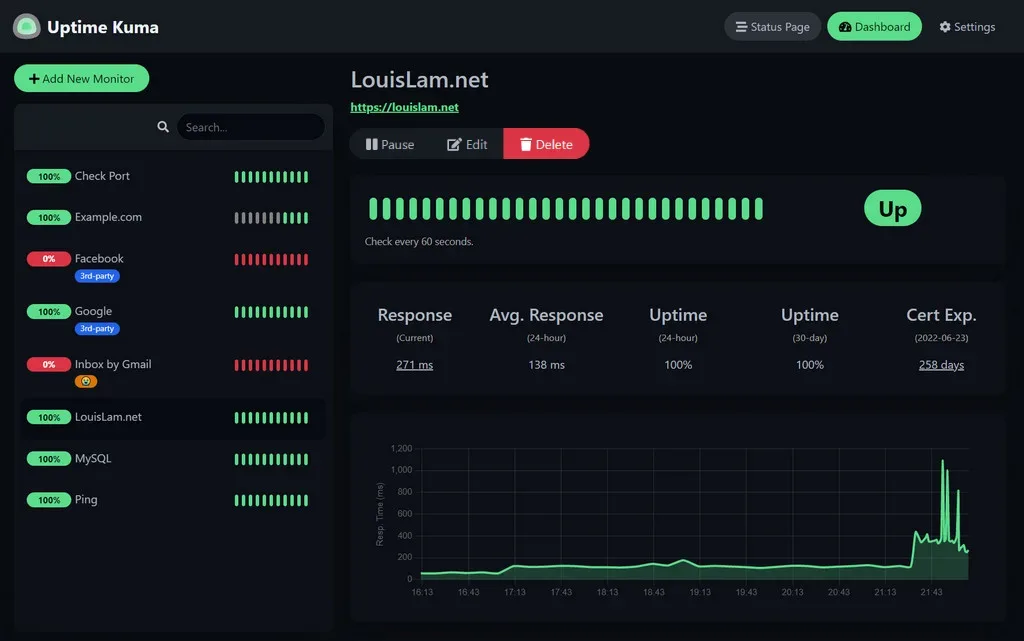
Image source: uptime-kuma. Published by the project; the interface may vary by version.
Confirmed capabilities
The README lists monitors for HTTP(S), TCP, HTTP(S) keywords, HTTP(S) JSON queries, WebSocket, Ping, DNS records, Push, Steam game servers, and Docker containers. These monitor types can cover different check targets in environments that include web endpoints, network services, and containers.
The project lists Telegram, Discord, Gotify, Slack, Pushover, SMTP email, and additional services for notifications. Other listed capabilities include multiple status pages, mapping status pages to specific domains, ping charts, certificate information, proxy support, and two-factor authentication. The configuration, required permissions, and third-party availability for every notification channel should still be reviewed before production use.
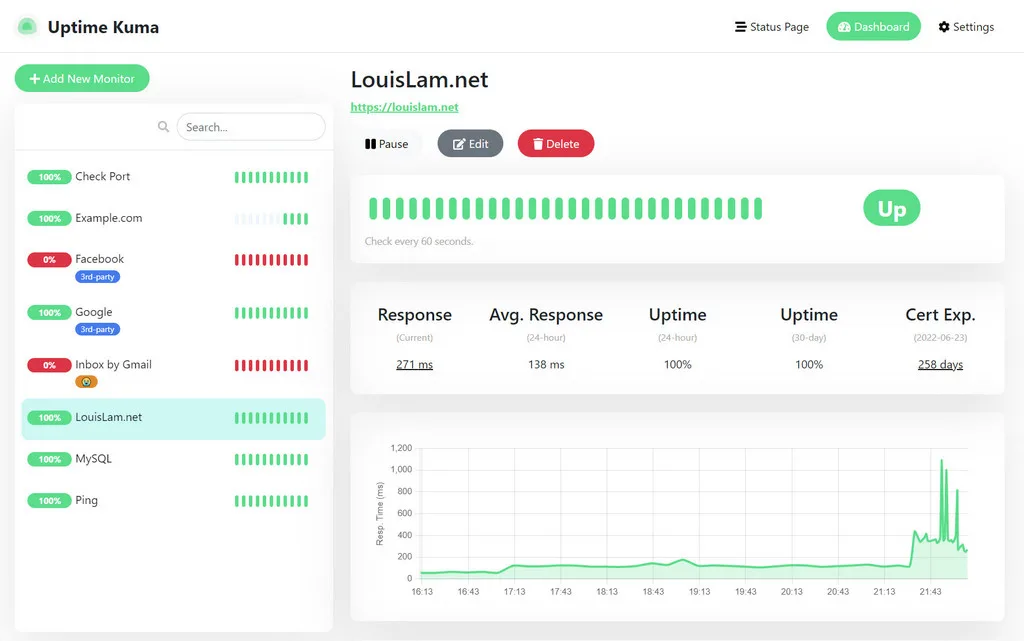
Image source: uptime-kuma. Published by the project; the interface may vary by version.
Limitations before adoption
The README explicitly warns that NFS file systems are not supported for Docker deployment. Data should be mapped to a local directory or volume. This is a clear storage-design limitation: a container starting successfully does not by itself show that the persistence design is suitable.
For reverse proxies, custom domains, or public access, the project directs users to advanced installation and proxy documentation. The supplied sources do not provide enough detail to confirm a complete proxy configuration or security boundary. They also do not provide a minimum hardware profile, performance limits, or a complete compatibility matrix. Large-scale suitability therefore cannot be inferred from these materials.
Non-Docker installation requires Node.js 20.4 or newer. The README lists major Linux distributions including Debian, Ubuntu, Fedora, and Arch Linux, plus Windows 10 x64 and Windows Server 2012 R2 x64 or newer. It identifies FreeBSD, OpenBSD, NetBSD, Replit, and Heroku as unsupported environments.
Deployment considerations
Before deployment, define persistent storage for the data directory or volume, the access scope for network ports, administrator access, two-factor authentication policy, and the handling of notification credentials. The project website shows a Docker deployment example, while the README says the service runs on all network interfaces by default. When public access is unnecessary, exposure should be restricted through deployment settings or the network layer.
The temporary demo should not hold production data: the README says its data is deleted after ten minutes. Maintenance should also be planned. Release 2.5.5 mentions a fix for a memory leak in the TCP monitor, so upgrades should be reviewed for relevant changes and their possible effects. This article is not based on independent testing and makes no claim about resource use, alert accuracy, or long-term stability.
Sources
Sources checked: 2026-09-25