

2026.09.16
VNote: A Qt Open-Source App for Markdown Note Management
VNote is a Qt-based, open-source note-taking application focused on Markdown. Its 4.6.1 release improves notebook transfers, attachments, heading folding, tables, and formula previews.
Project focus
VNote is a free and open-source note-taking application built with Qt, currently focused on Markdown. Its README presents it as more than a plain Markdown editor: note management is intended to make organizing Markdown notes easier. Repository metadata also lists editor, Markdown, MathJax, UML, and Vim among the project topics.
This makes VNote relevant to people maintaining personal knowledge bases, technical documentation, study notes, or project records. The official README states that it can run on Linux, Windows, and macOS. However, the supplied sources do not specify minimum hardware, exact supported OS versions, or platform-specific feature differences. Those details should be checked against the release artifacts before deployment.
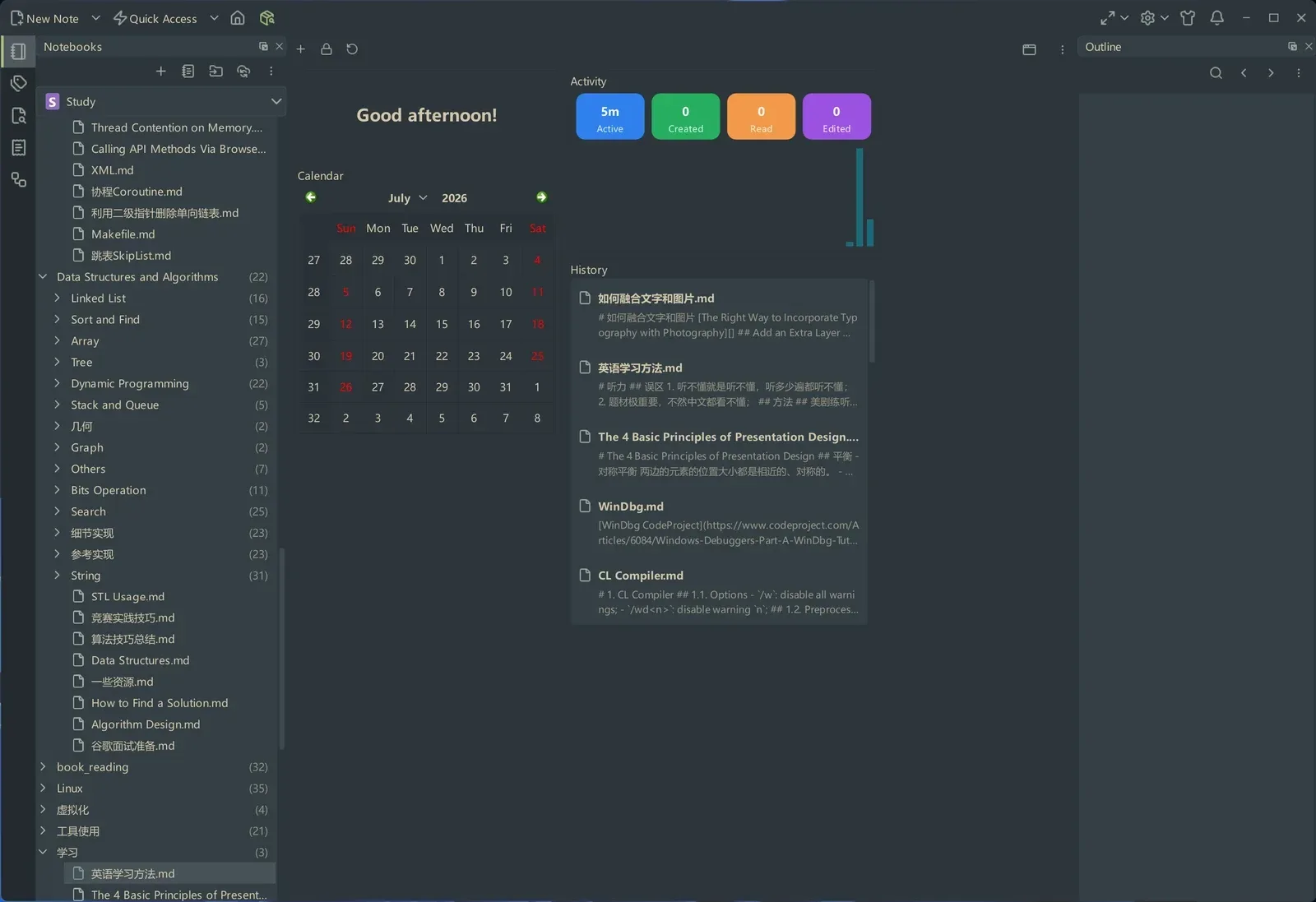
Image source: vnote. Published by the project; the interface may vary by version.
Confirmed capabilities
Version 4.6.1 is a maintenance release. It can copy and move notes and folders between bundled notebooks, while preserving attachment usability after cross-notebook transfers. The attachment popup can scan for unlisted attachments and register them in place. Bundled notebooks can also use a custom recycle-bin folder and optionally remove entries older than a configured retention period.
The Markdown workflow has also been expanded. Headings can be folded in read mode and HTML exports, while the outline supports drag-and-drop reordering of sections with heading-level adjustments. The Markdown toolbar includes a table-size picker, and interactive table previews can write edits back to Markdown. For formulas, read mode and previews can use either KaTeX or MathJax; the release also describes higher-resolution rendering improvements for formulas and graph previews.
The release adds export access from the main file toolbar and documents fixes for PDF annotation offsets, a Linux crash involving notebook cloning and Git sync, and an empty WebEngine directory created by Qt 6.9 or newer Windows builds. These are statements from the release notes, not a guarantee that every environment is issue-free.
Limitations and deployment considerations
VNote’s current center of gravity is Markdown. The README mentions possible support for additional formats in the future, but that should not be treated as an existing capability. Teams requiring built-in hosted synchronization, mobile clients, real-time collaboration, or a particular document format should verify those requirements separately. The supplied sources do not establish the presence or absence of those features, nor do they provide a security audit or a backup guarantee.
The project is licensed under GNU LGPLv3. The repository also records third-party icon materials under ISC/MIT and Apache-2.0 licenses. Organizations redistributing the application, modifying it, or embedding it in another product should review the license texts and third-party notices with the appropriate owner.
The README points to continuous builds and stable releases. They should be treated differently: production users should prefer a reviewed stable version, verify the selected release, back up notebook directories, and prepare a rollback process. The sources do not provide hardware requirements or performance figures, so capacity planning should be based on the intended notebook and attachment workload.
VNote is therefore a plausible fit for individuals or small technical groups that prefer a desktop, Markdown-centered workflow with notebook management, formulas, tables, and export features. Suitability depends on the target platform, attachment volume, synchronization expectations, licensing review, and backup plan.
Sources
Sources checked: 2026-09-16