

2026.10.15
Yuvomi: A Self-Hosted Hub for Household Planning
Yuvomi is an MIT-licensed self-hosted family planner covering tasks, calendars, meals, shopping, budgets and more. It suits households that want control over their data and can maintain a server, but deployment, backups and integrations remain the operator’s responsibility.
What the project is for
Yuvomi is designed for families, couples, or individuals who want household planning in one self-hosted application. Instead of separating tasks, calendars, recipes, shopping lists, budgets and documents across multiple services, it runs as a container on a server or NAS controlled by the operator. The project is MIT-licensed, and its README says the main data is stored in a SQLite file on the user’s own disk.
That makes it a plausible fit for households trying to reduce subscriptions and keep family data under their own administration. Users who already operate a home server, NAS, or container stack will likely understand its model more easily. It is less suitable for someone who expects a hosted account with no responsibility for updates, backups, network access, or recovery.
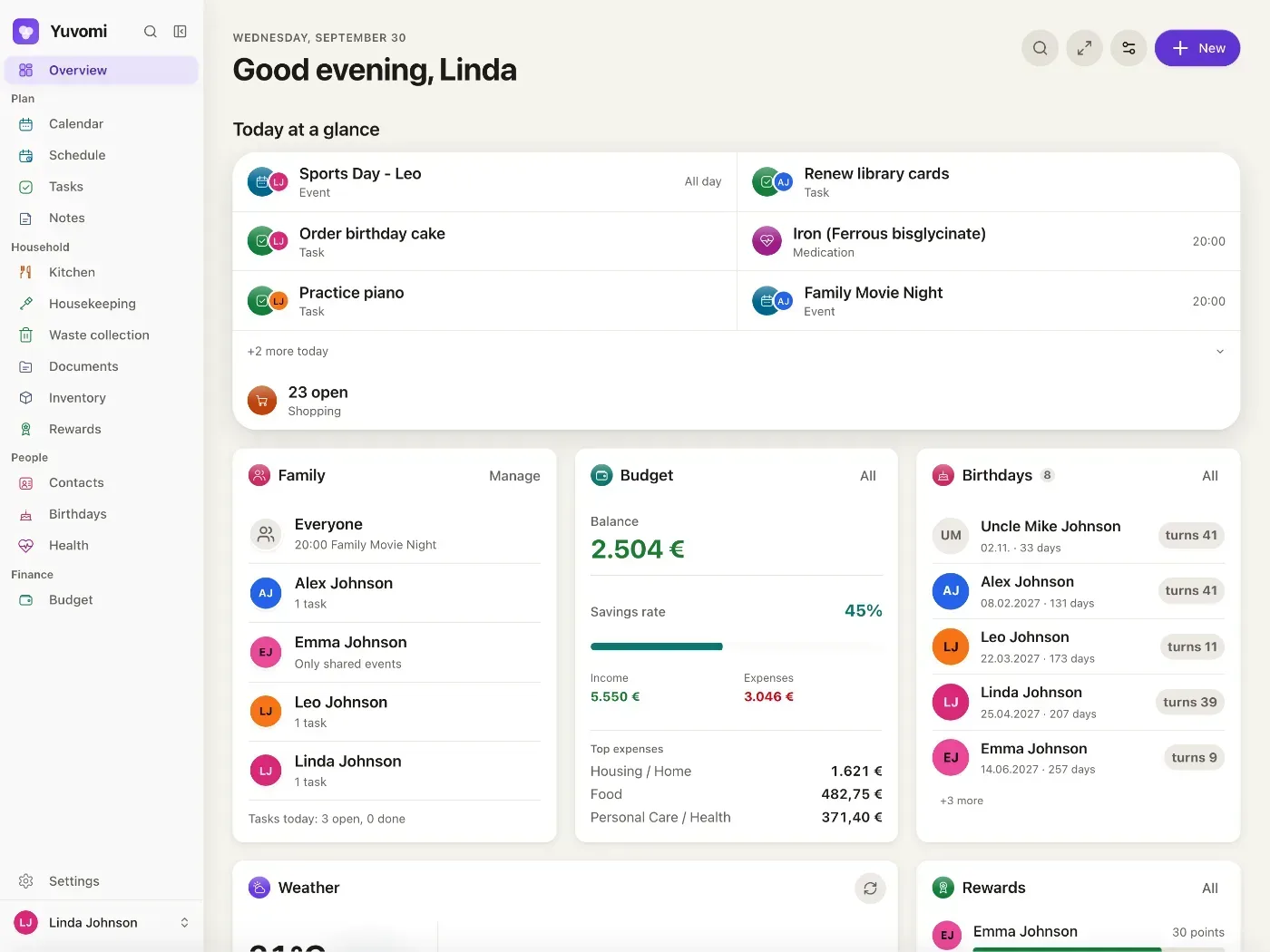
Image source: yuvomi. Published by the project; the interface may vary by version.
Documented capabilities
The README lists 20 modules. The planning group includes tasks, calendars, schedules and notes. Household modules cover meals, recipes, shopping, pantry, housekeeping, documents, inventory and rewards. There are also health, contacts, birthdays, budgeting, reminders and backup features.
The notable aspect is the connection between modules. A meal plan can export ingredients to a shopping list, while completed shopping items can be recorded back into the pantry. Tasks can be assigned to members and points can be awarded to the person who completed them. Receipts can be associated with a transaction, shared expense and inventory item, reducing repeated entry.
Calendar support includes two-way Google and CalDAV synchronization, with the README also listing Outlook push, subscriptions and holidays. Documents are searchable and can be stored locally, on WebDAV or in Google Drive. The browser-based app can be added to a phone’s home screen, while push notifications require HTTPS. Family roles can limit module access, and the project documents invitation links, TOTP two-factor authentication, OIDC, optional database encryption and restorable backups.
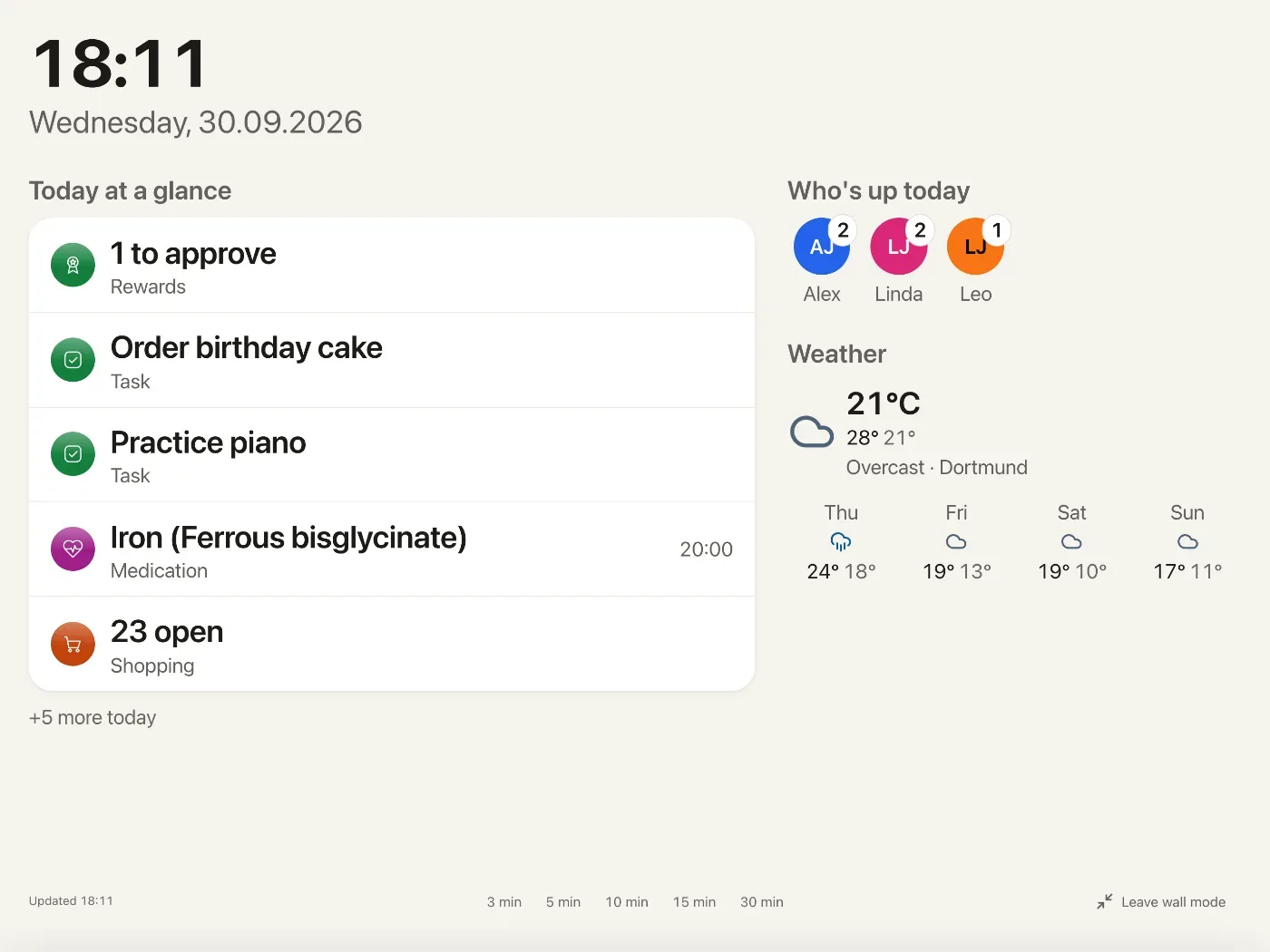
Image source: yuvomi. Published by the project; the interface may vary by version.
Limitations and deployment concerns
Self-hosting does not remove operational work. Operators need a plan for container updates, persistent volumes, backups, recovery testing and secure access. The encryption key deserves particular attention: the README warns that losing or changing it means the database cannot be opened again. It should therefore be stored through a reliable key-management process rather than only in an improvised local note.
External access is not entirely absent. The README says a version check against the GitHub Releases API occurs by default. Calendar, weather, exchange-rate, notification, cloud-storage, recipe-mirror and synchronization integrations contact external services when the related feature is enabled or used. Households handling sensitive information should review outbound connections, third-party authorization and the location of files stored through WebDAV or Google Drive.
The project documents 256 MB of RAM, a default port of 3000, and amd64 and arm64 images. These are deployment details, not performance guarantees. Actual storage, responsiveness and backup duration will depend on household size, attachments and the host system. Calendar synchronization should also be tested with local time zones, recurring events, pushes and conflicts before it becomes the household’s source of truth. The v2.77.1 release notes show that synchronization edge cases continue to receive fixes.
A cautious adoption path
Docker or Podman is the most direct route, while the project also describes guided setup and NAS app-store options. Before inviting family members, define persistent storage, create an independent backup, and test a restore. Enable integrations gradually, especially calendars, notifications, cloud storage and health-related modules. Unused modules can be disabled to reduce interface complexity and unnecessary connections.
Yuvomi’s appeal is clear: it combines household collaboration with control over where the data runs. The trade-off is equally clear: the operator owns the maintenance, encryption-key, integration and recovery responsibilities.
Sources
Sources checked: 2026-10-15