

2026.10.21
Zerobyte: Restic-Based Backup Automation for Self-Hosted Environments
Zerobyte gives self-hosters a web interface for scheduled, encrypted backups built on Restic. It supports several source protocols and retention controls, but its 0.x status, container permissions, network exposure, and persistence requirements deserve careful review.
What it is for
Zerobyte is a backup automation tool for self-hosted users, built on top of Restic. Its web interface is intended to manage backup scheduling, monitoring, encryption, compression, and retention policies across multiple storage backends. The repository describes it as “Backup automation for self-hosters” and identifies the project as AGPL-3.0 licensed.
The project is a reasonable fit for people already comfortable with Docker, storage administration, and network configuration. That includes homelab operators and small teams that want one interface for several backup jobs. The supplied sources do not establish that it offers the same low-maintenance experience as a desktop backup utility, so users seeking a purely graphical, hands-off workflow should evaluate it carefully.
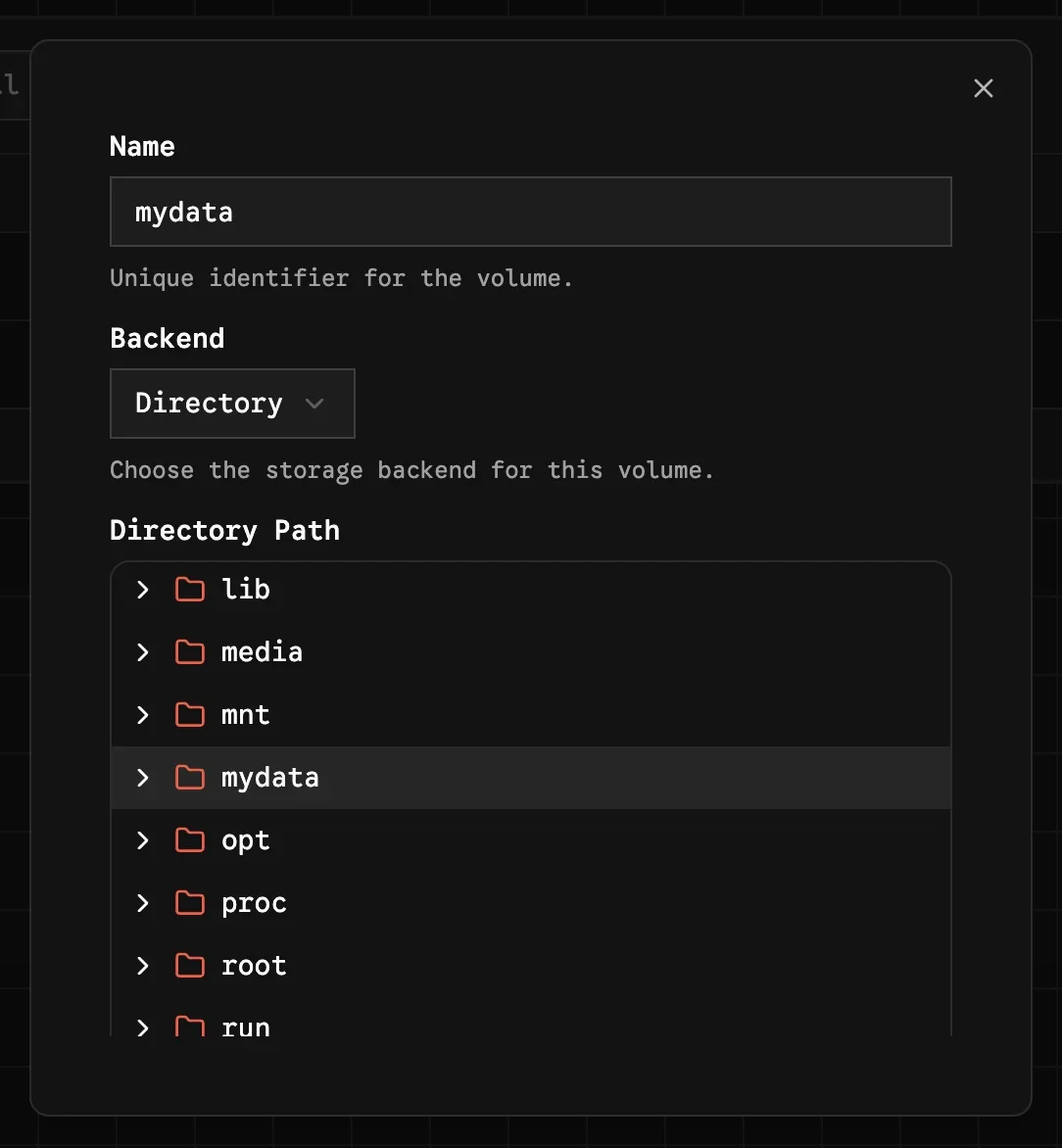
Image source: zerobyte. Published by the project; the interface may vary by version.
Documented capabilities
The README lists NFS, SMB, WebDAV, SFTP, and local directories as supported backup sources. Jobs can use automated schedules and fine-grained retention policies. The project also documents compression and end-to-end encryption for backup data. Configuration includes timezone handling, the Restic hostname, log level, CPU scheduling limits, and network-origin controls for webhooks and notifications. A provisioning feature can synchronize operator-managed repositories and volumes from JSON at startup, resolving credentials from environment variables or secret files.
Deployment considerations
The documented deployment path uses Docker and Docker Compose. The application needs persistent storage for its configuration, encryption keys, and database. The README specifically advises against placing /var/lib/zerobyte on a network share because of possible permission problems and substantial performance degradation. TrueNAS users are warned that the host /var/lib may be ephemeral across upgrades; the project recommends a dedicated ZFS dataset instead.
For locally mounted folders, the README describes a reduced-permission setup that removes the SYS_ADMIN capability and the FUSE device mapping. The trade-off is that Zerobyte can no longer mount NFS, SMB, WebDAV, or SFTP shares directly. Remote mounting therefore requires additional container privileges, which should be reviewed alongside host isolation, filesystem permissions, and operational access controls.
The project strongly discourages exposing Zerobyte directly to the public internet. For external access, its documentation recommends binding the service locally and using an authenticated secure tunnel. This is a project recommendation, not a guarantee about the security of any particular deployment design.
Before adopting it
Zerobyte is still in the 0.x.x series, and the README warns that major changes may occur between versions. The official v0.43.2 release also states that desktop applications remain alpha and are not officially supported. Before production use, operators should pin a reviewed version, protect and back up the application secret, verify restoration procedures, and read release notes before upgrades. The supplied sources do not specify minimum hardware, performance figures, or a complete compatibility matrix, so those points remain unconfirmed.
Sources
Sources checked: 2026-10-21