

2026.09.25
Sencho: A Self-Hosted Compose Control Plane for Single Hosts and Fleets
Sencho adds a graphical control plane for Docker Compose while keeping compose files on disk. Review socket privileges, network boundaries, and its pre-1.0 status before adoption.
Project focus
Sencho is a self-hosted Docker Compose management platform for DevOps engineers, platform teams, system administrators, and homelab users. It can manage one machine or connect multiple Sencho instances into a fleet. The project is licensed under AGPL-3.0 and its repository is not archived.
Its central design choice is to add an operational interface without discarding file-based workflows. Compose files remain on the host filesystem and are treated as the source of truth. The UI covers common Stack actions such as creating, deploying, stopping, restarting, and taking down services. It also provides log viewing, volume browsing, file editing, and recovery-oriented operations. Teams already managing Compose through Git or local files may find this model easier to fit into existing processes, although the exact Git workflow should be checked against the project documentation.
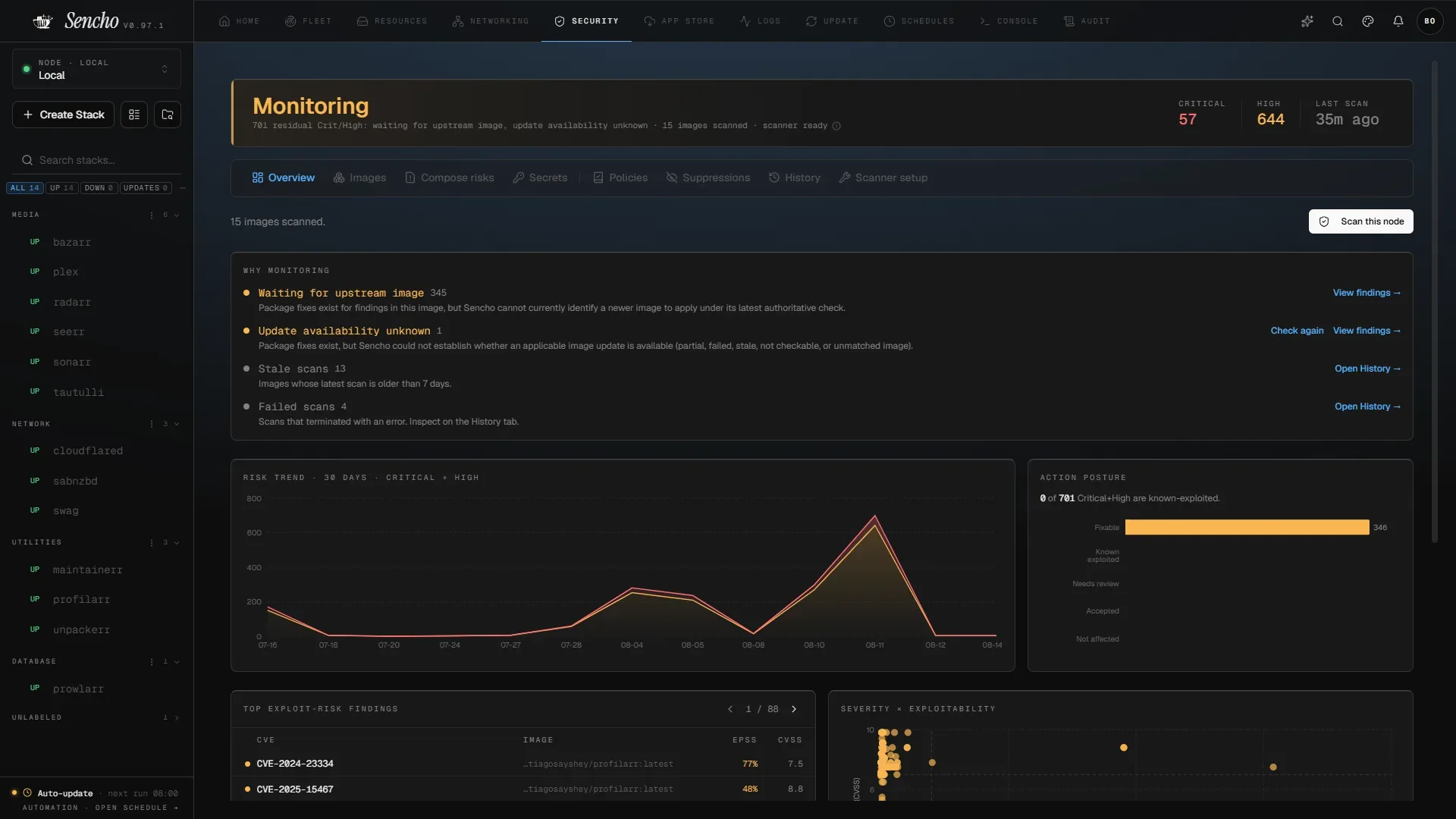
Image source: sencho. Published by the project; the interface may vary by version.
Documented capabilities
The README lists atomic deployments with automatic rollback, pre-save diff review, health-gated updates, Git-sourced Stacks, ordered multi-file Compose, a file explorer, drift detection, and Compose Doctor preflight checks. It also lists environment and secret guardrails, storage portability checks, labels for grouping, and an application template store.
Operational features include fleet-wide log search and streaming, container statistics and health checks, CPU, memory, and network threshold alerts, resource management, and a read-only audit log. Multi-node management uses authenticated HTTP and WebSocket proxying, with node labels, bulk actions, snapshots, remote updates, and a Pilot Agent for nodes behind NAT or strict firewalls. Automation includes auto-heal and auto-update policies, scheduled operations, lifecycle webhooks, and declarative Blueprints. Security features listed by the project include OIDC SSO, TOTP two-factor authentication, RBAC, Trivy vulnerability scanning, private registries, and API tokens.
The official v0.97.1 release was published on August 9, 2026. Its notes include fixes related to Compose Doctor, Fleet Sync, RBAC, OIDC callbacks, and resource-prune estimation. Those notes describe that release only; they are not a substitute for reviewing the version selected for deployment and its known limitations.
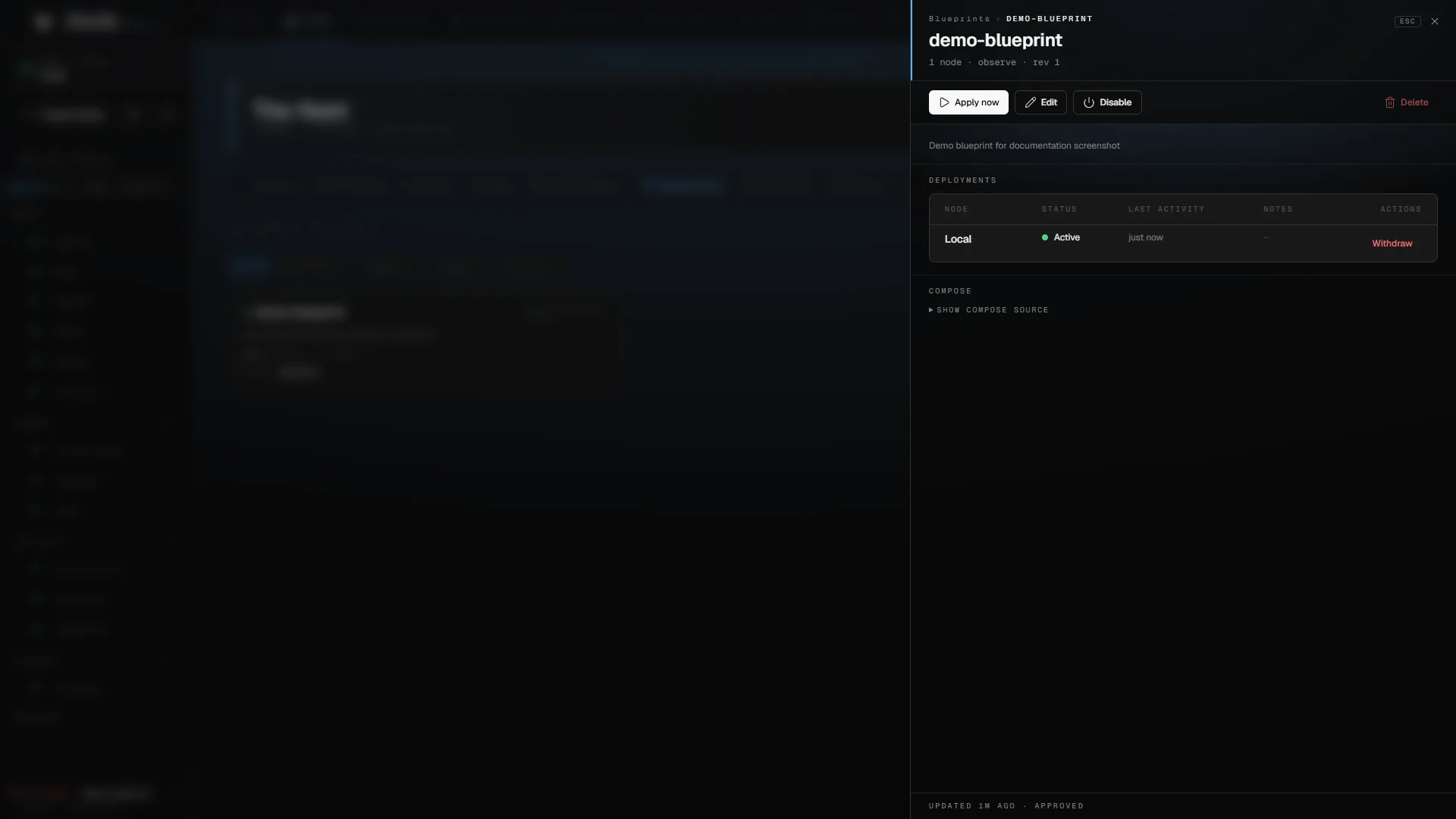
Image source: sencho. Published by the project; the interface may vary by version.
Who should consider it, and what to review
Sencho is worth evaluating if you operate several Compose hosts, want fewer SSH-based procedures, and still require configuration files to remain on disk. Small platform teams and homelab operators may also benefit from unified logs, rollback workflows, and a fleet view. For a small installation, a mature CI/CD system, or a preference for a minimal interface, adding another control plane may increase the operational surface. The supplied sources provide no comparative performance or maintenance-cost data.
The most important deployment consideration is the Docker socket. The README states that mounting /var/run/docker.sock gives Sencho privileges equivalent to sudo docker on the host. Treat it as a highly privileged infrastructure component. Evaluate a dedicated host, authenticated reverse proxy, minimal network exposure, and the container-user configuration that fits your threat model. For untrusted links between nodes, the project recommends TLS, a VPN, or a private network. API tokens, OIDC settings, Compose environment variables, and backups should also be handled through appropriate secret and access-control procedures.
The project describes itself as pre-1.0 and asks users to review known limitations and validate their own setup before placing it on critical infrastructure. The supplied material does not confirm minimum hardware requirements, a complete compatibility matrix, or performance figures. Before expanding into production, validate Docker and Compose behavior, volume portability, Git access, reverse-proxy routing, backup restoration, rollback behavior, and the intended RBAC model in your own environment.
Sources
Sources checked: 2026-09-25