


Immich
A self-hosted photo and video backup platform with mobile auto-upload, albums, search and facial recognition.
Docker
OPEN SOURCE. YOUR WAY.
From open-source discoveries to self-hosted applications and AI workflows. Understand the tools, make your choice, and put your ideas to work.
Find software and alternatives that fit
From first install to reliable backups
Connect tools and automate routine work
THE SHORTLIST
Look beyond features: understand licensing, deployment, and maintenance.
A self-hosted photo and video backup platform with mobile auto-upload, albums, search and facial recognition.

A workflow automation platform with visual flows, code nodes and native AI capabilities that can be self-hosted.

A lightweight Bitwarden-compatible password manager for individuals and small teams that want control of their data.
A listing is not a test certification. Check each project’s license and requirements. Our standards ↗
FROM THE NOTEBOOK
Practical guides, considered choices, and the details that make a difference.
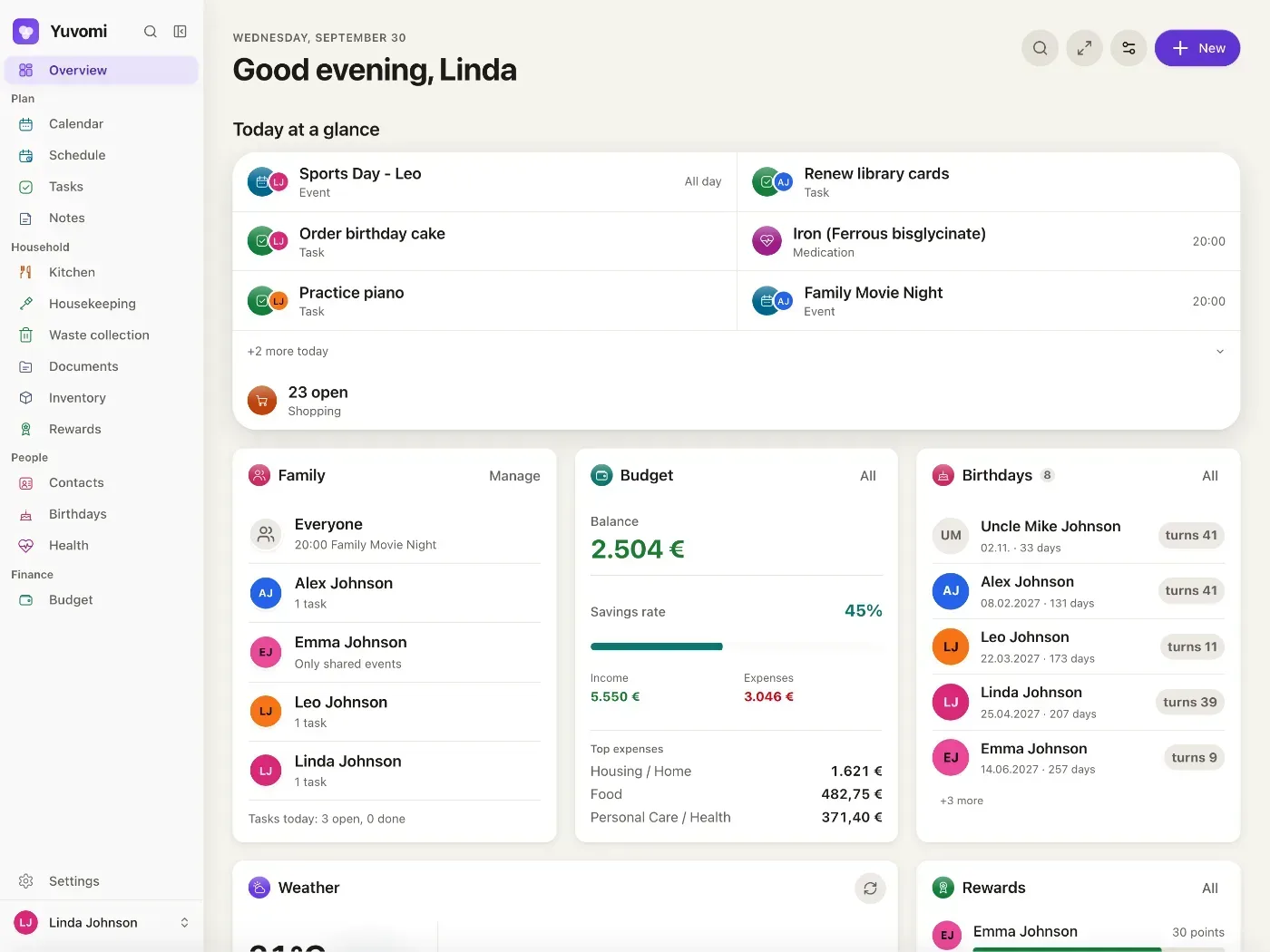
Yuvomi is an MIT-licensed self-hosted family planner covering tasks, calendars, meals, shopping, budgets and more. It suits households that want control over their data and can maintain a server, but deployment, backups and integrations remain the operator’s responsibility.
Read article →
Selfhost AI uses Docker Compose and an interactive wizard to deploy self-hosted AI, workflow, RAG, and monitoring services. It suits users who want a unified server environment, but requires a VPS, domain, DNS setup, and ongoing operations.
Read article →
Awesome-Selfhosted is not an installable platform, but a broad directory for discovering free software network services and web applications that can run on your own servers.
Read article →
AnythingMCP lets teams expose existing APIs, databases and MCP services as tools for AI clients. Before adoption, assess credential handling, write permissions, platform support, public deployment and AGPL-3.0 obligations.
Read article →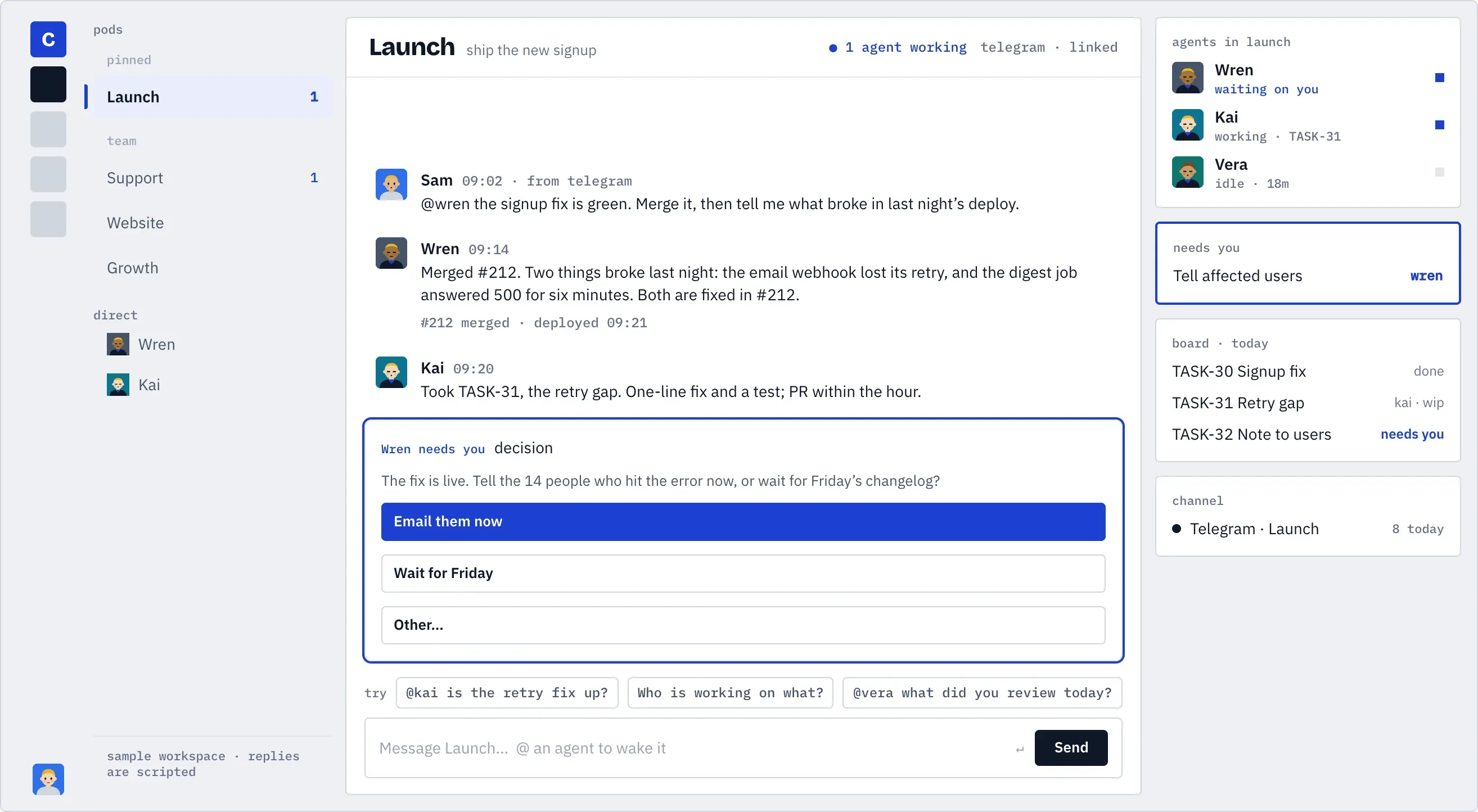
Commonly is an Apache 2.0 open-source, self-hostable coordination workspace built around pods, agent seats, memory, tasks, connectors, and user-controlled runtimes.
Read article →
MiroTalk BRO is for teams that want to operate their own live-broadcast entry point, with video, audio, screen sharing, and RTMP ingest. Review SFU, network, browser, and AGPLv3 considerations before adopting it.
Read article →DEPLOYMENT NOTES
Make persistent data, backups, security, and upgrades part of your deployment plan.
Read deployment guides