


Immich
A self-hosted photo and video backup platform with mobile auto-upload, albums, search and facial recognition.
Docker
OPEN SOURCE. YOUR WAY.
From open-source discoveries to self-hosted applications and AI workflows. Understand the tools, make your choice, and put your ideas to work.
Find software and alternatives that fit
From first install to reliable backups
Connect tools and automate routine work
THE SHORTLIST
Look beyond features: understand licensing, deployment, and maintenance.
A self-hosted photo and video backup platform with mobile auto-upload, albums, search and facial recognition.

A workflow automation platform with visual flows, code nodes and native AI capabilities that can be self-hosted.

A lightweight Bitwarden-compatible password manager for individuals and small teams that want control of their data.
A listing is not a test certification. Check each project’s license and requirements. Our standards ↗
FROM THE NOTEBOOK
Practical guides, considered choices, and the details that make a difference.

Logseq combines knowledge management, tasks, PDF annotation, plugins, and collaboration with support for Markdown and Org-mode. Its database version is still in beta, while the new mobile app and RTC are alpha, so backups are essential before testing.
Read article →
xnotes targets handwriting and sketching on Android, with paged notes, an infinite canvas, pressure-sensitive ink, and PDF annotation. Check device support and file workflows before adopting it.
Read article →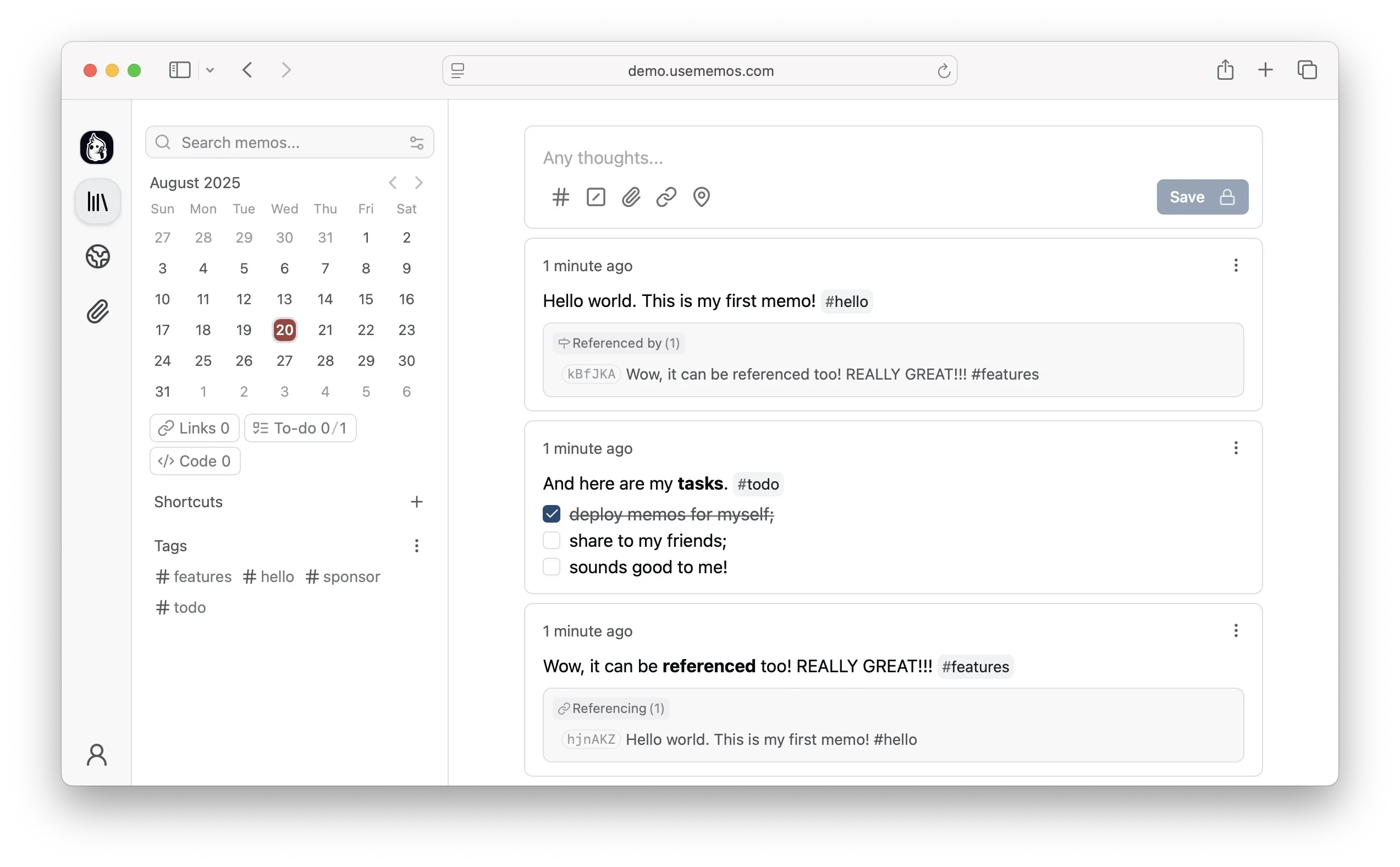
Memos is an open-source, self-hosted note-taking tool for quick Markdown capture. It suits journals, developer logs, and lightweight sharing, but deployment, upgrades, backups, and access control remain your responsibility.
Read article →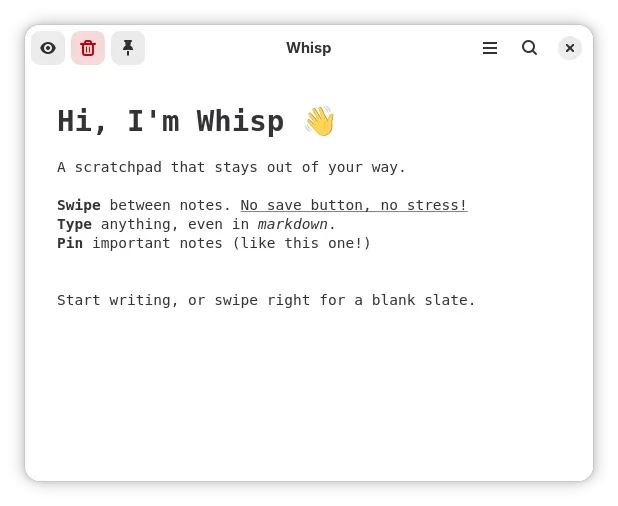
Whisp is a GNOME-focused scratchpad with a spatial note canvas, Markdown, OCR, system search, and keyboard workflows. Review its boundaries before adopting it.
Read article →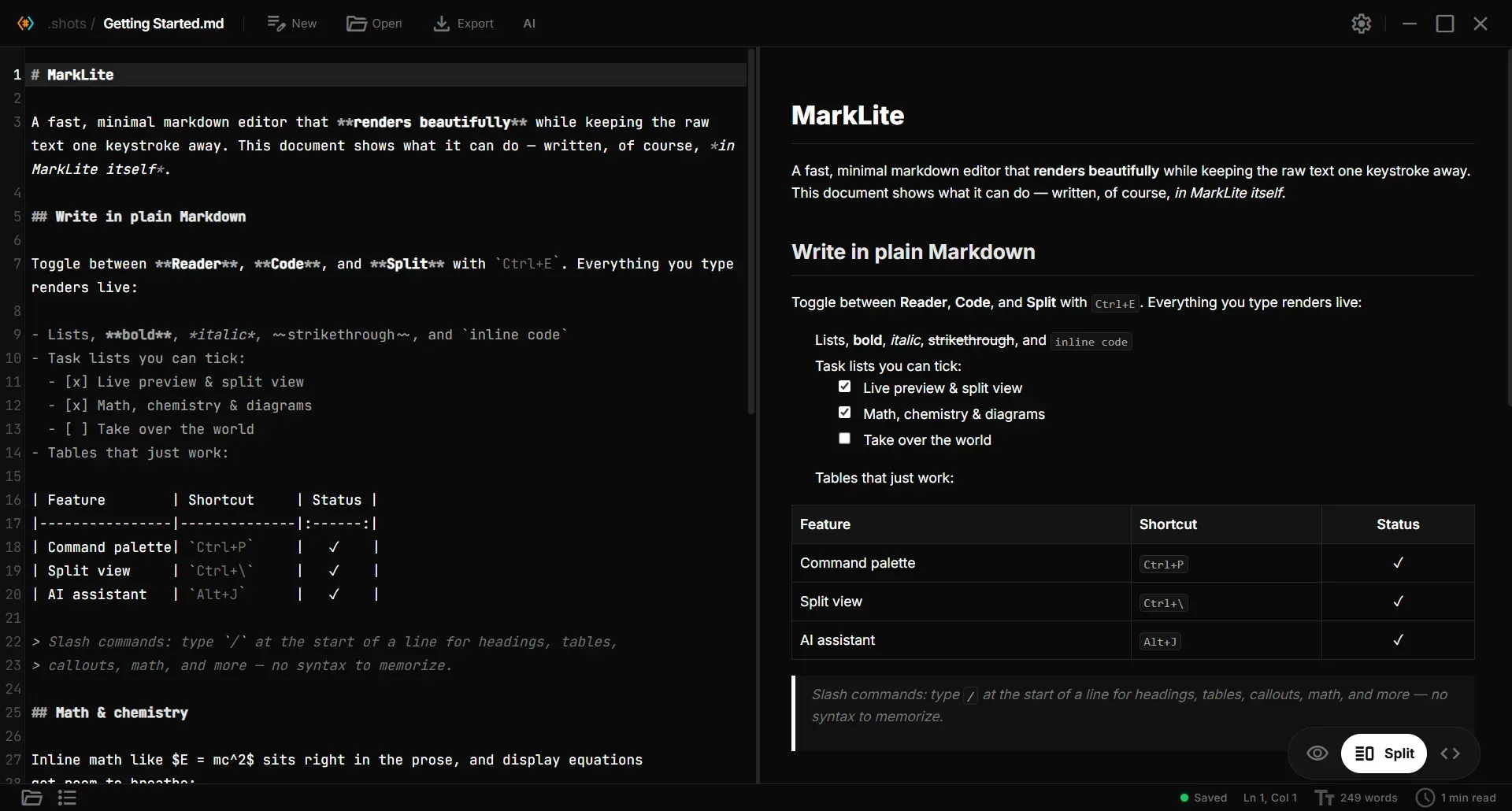
Paperling targets users who want to open and edit Markdown files with live preview without adopting a full knowledge-base workflow. It adds math, chemistry, diagrams, folder-aware links, and optional AI, while unsigned installers, AI configuration, and Android distribution deserve attention before deployment.
Read article →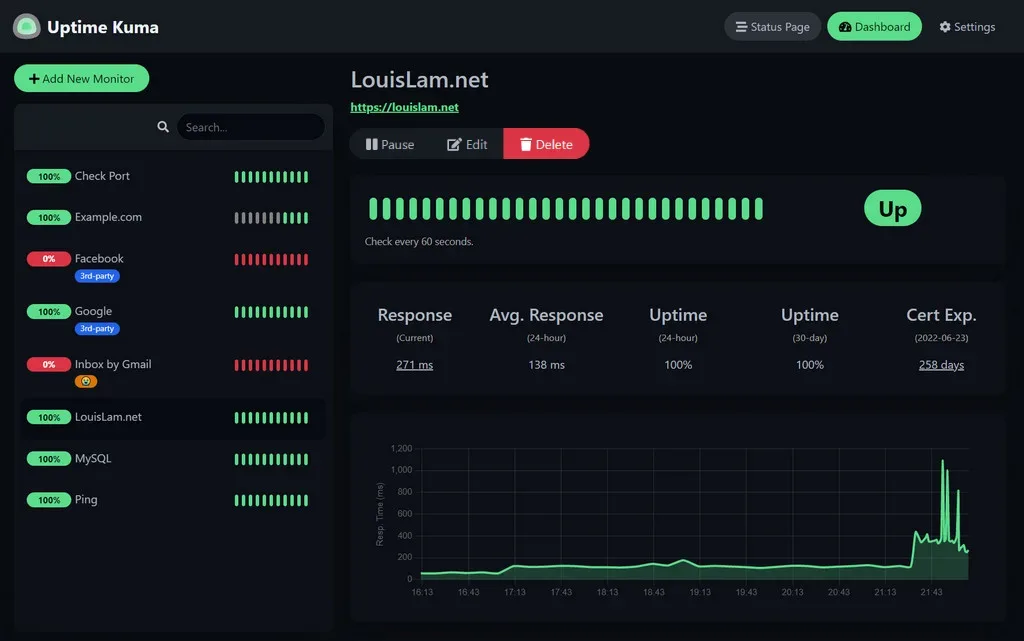
Uptime Kuma provides several monitor types, notifications, and status-page features. Review persistent storage, network exposure, runtime requirements, and maintenance before adoption.
Read article →DEPLOYMENT NOTES
Make persistent data, backups, security, and upgrades part of your deployment plan.
Read deployment guides