


Immich
A self-hosted photo and video backup platform with mobile auto-upload, albums, search and facial recognition.
Docker
OPEN SOURCE. YOUR WAY.
From open-source discoveries to self-hosted applications and AI workflows. Understand the tools, make your choice, and put your ideas to work.
Find software and alternatives that fit
From first install to reliable backups
Connect tools and automate routine work
THE SHORTLIST
Look beyond features: understand licensing, deployment, and maintenance.
A self-hosted photo and video backup platform with mobile auto-upload, albums, search and facial recognition.

A workflow automation platform with visual flows, code nodes and native AI capabilities that can be self-hosted.

A lightweight Bitwarden-compatible password manager for individuals and small teams that want control of their data.
A listing is not a test certification. Check each project’s license and requirements. Our standards ↗
FROM THE NOTEBOOK
Practical guides, considered choices, and the details that make a difference.

plugin-barman-cloud is the reference CNPG-I backup and recovery plugin for Barman Cloud in CloudNativePG, aimed at teams operating PostgreSQL clusters through CloudNativePG.
Read article →
dynein provides a concise terminal interface for Amazon DynamoDB, including table and item operations, import/export, backup and restore, and DynamoDB Local support. Review credentials, permissions, versions, and data-change risks before adoption.
Read article →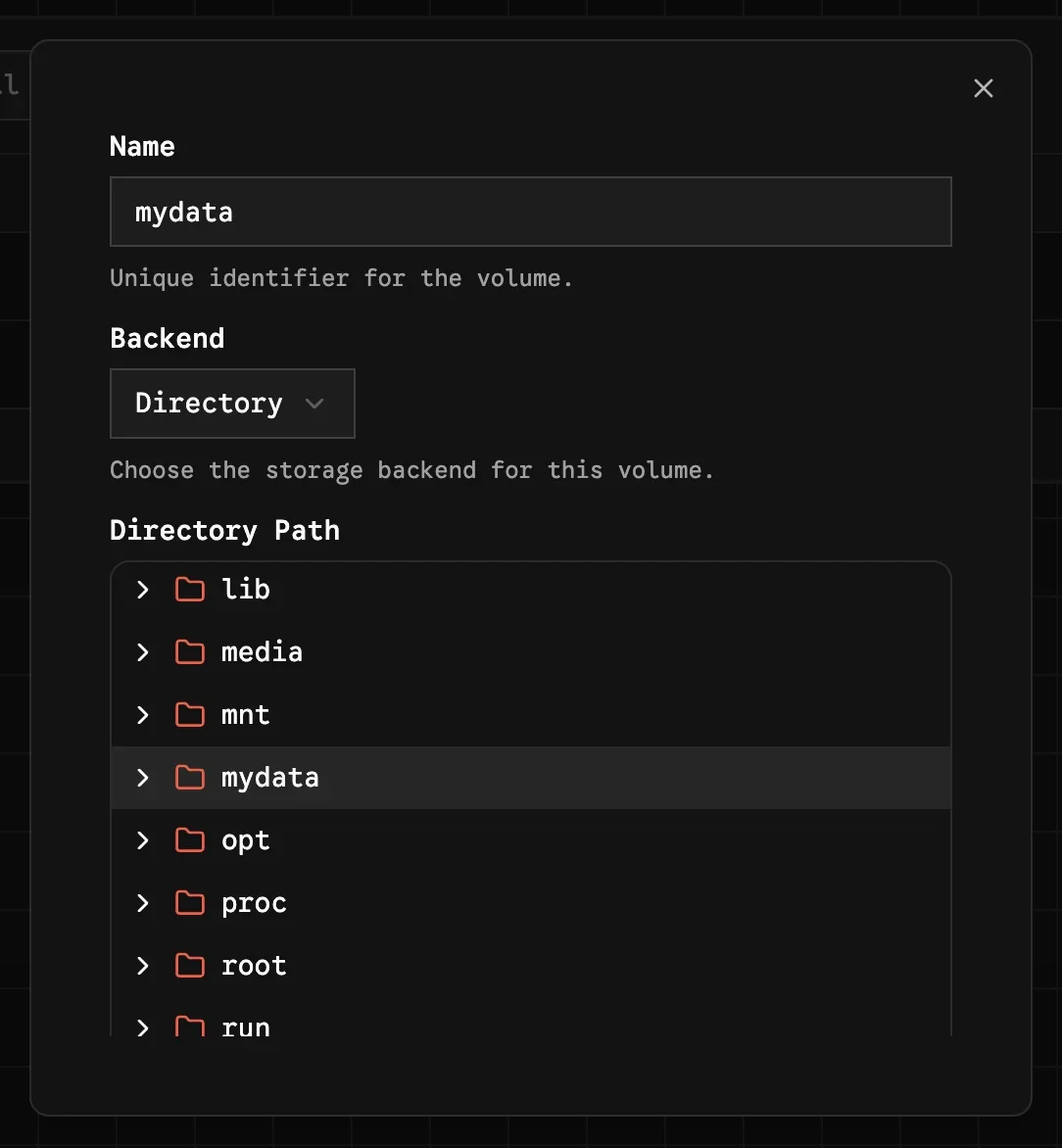
Zerobyte gives self-hosters a web interface for scheduled, encrypted backups built on Restic. It supports several source protocols and retention controls, but its 0.x status, container permissions, network exposure, and persistence requirements deserve careful review.
Read article →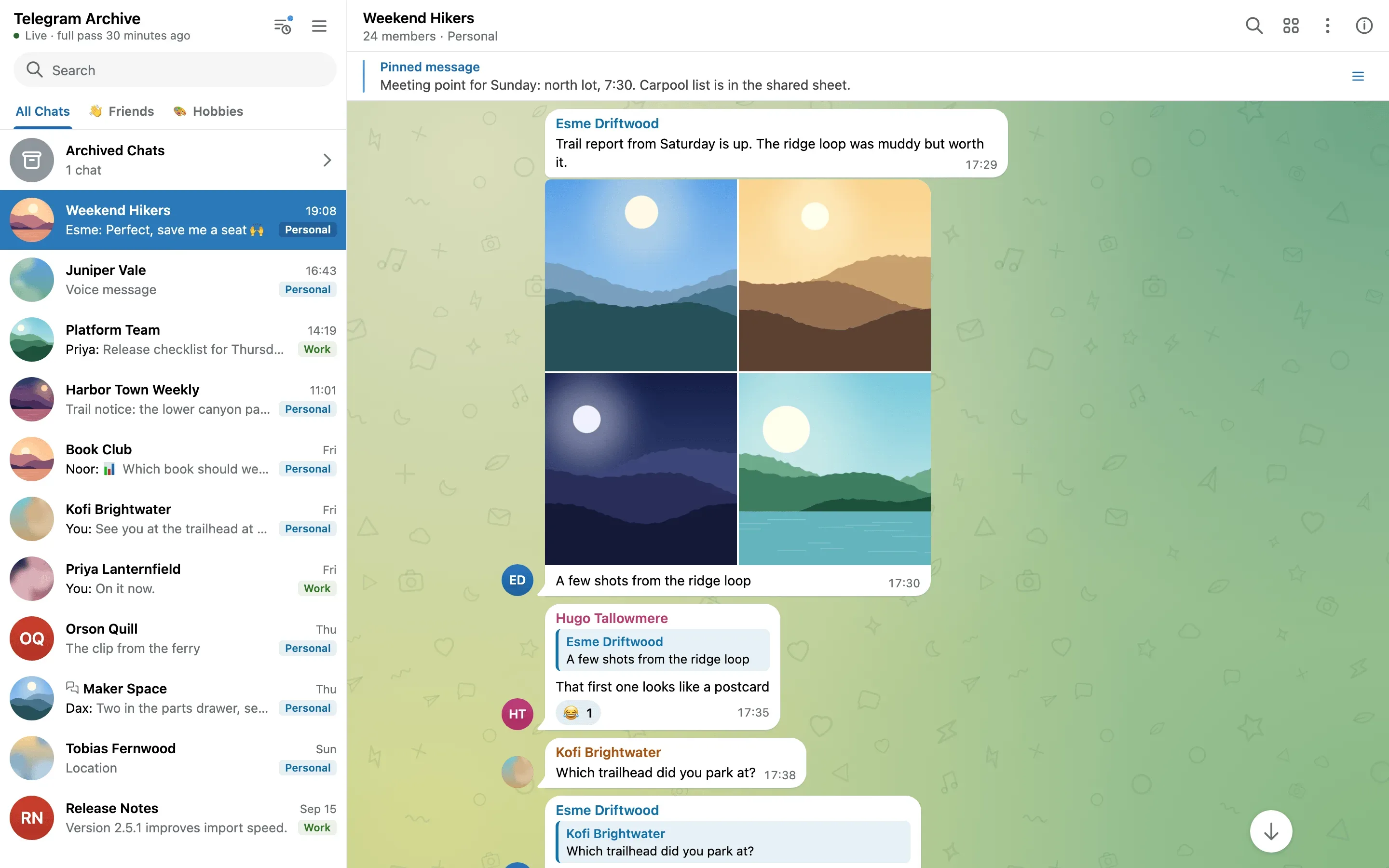
Telegram Archive is built for people who want long-term, self-hosted copies of Telegram messages and media. It offers incremental backups and a local web viewer, but does not support secret chats and has no offline viewer mode.
Read article →
brain.md stores durable project knowledge in repository Markdown and exposes it through a small CLI, helping coding agents carry context across sessions.
Read article →
Keep the Why stores architectural reasoning, rejected alternatives, and operational context as Markdown in a Git repository for developers and coding agents.
Read article →DEPLOYMENT NOTES
Make persistent data, backups, security, and upgrades part of your deployment plan.
Read deployment guides